WiFi Dash Cam vs 4G Dash Cam What’s the Difference and Which Should You Choose?
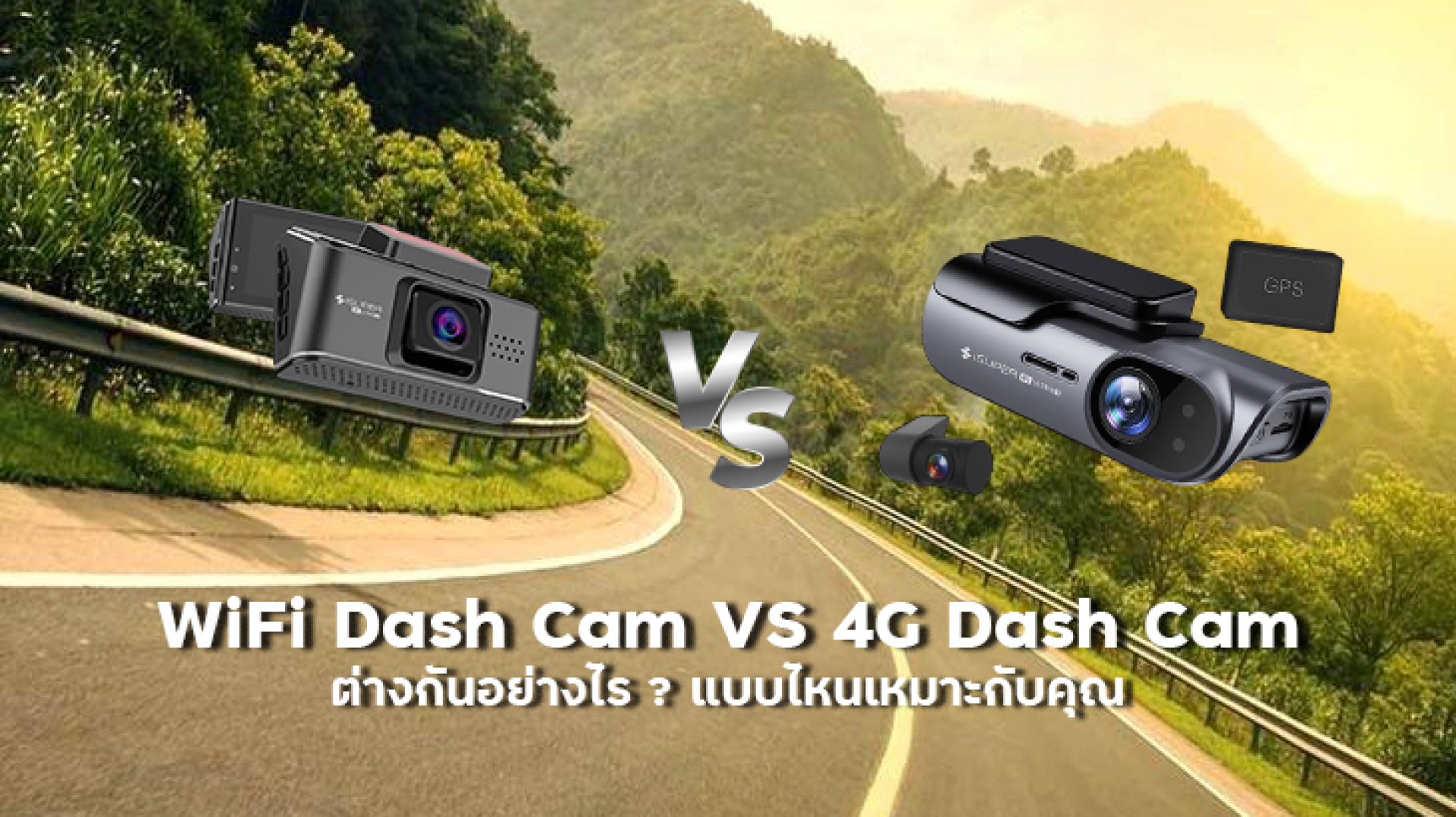
If you are shopping for a dash cam and keep seeing the terms WiFi Dash Cam and 4G Dash Cam, you might think the difference is simply about connection speed. In reality, these two technologies are designed for different types of use.
A WiFi Dash Cam is mainly designed to connect your smartphone to the camera when you are near the vehicle. You can use it to view footage, download videos, or change camera settings.
A 4G Dash Cam, on the other hand, is designed to connect to a cellular network and can support remote-access features, depending on the model and service.
In simple terms, WiFi is for Im near the car and want to check the footage, while 4G is for Im somewhere else but want to access the car remotely.
What Is a WiFi Dash Cam?
A WiFi Dash Cam has built-in WiFi that allows your smartphone to connect directly to the camera.
After connecting, you can typically use the manufacturer's app to:
- View the camera's live preview
- Watch recorded footage
- Download videos to your phone
- Change camera settings
- Manage files on the memory card
The important thing to understand is that WiFi on a dash cam does not necessarily mean the camera has Internet access.
In many cases, the WiFi connection simply creates a direct wireless link between your smartphone and the dash cam.
What Is a 4G Dash Cam?
A 4G Dash Cam has a cellular connection that allows it to connect to a 4G/LTE network.
Depending on the manufacturer and model, the camera may use a physical SIM, eSIM, or another type of cellular connectivity.
Because the camera can connect to the Internet, compatible models may offer features such as:
- Remote vehicle monitoring
- Remote Live View
- Remote notifications
- Vehicle location tracking
- Cloud-based video access
However, not every 4G Dash Cam provides the same features. Always check the specifications and service requirements of the specific model before buying.
WiFi Dash Cam vs 4G Dash Cam: Key Differences
| Feature | WiFi Dash Cam | 4G Dash Cam |
|---|---|---|
| Primary connection | WiFi between camera and smartphone | 4G/LTE cellular network |
| Need to be near the vehicle? | Usually yes | Not necessarily |
| View footage on a phone | Yes | Yes, on supported models |
| Download recorded videos | Yes | Yes, depending on the system |
| Remote Live View | Usually not | Available on supported models |
| Internet required | Usually not for direct connection | Yes for online features |
| SIM / eSIM | Usually not required | May be required |
| Cellular data costs | Usually none | May require a data plan |
| Setup complexity | Generally simpler | Generally more complex |
Who Should Choose a WiFi Dash Cam?
If you mainly want a dash cam that lets you access videos from your smartphone, a WiFi Dash Cam may be all you need.
For example, imagine you have just been involved in a traffic incident. Instead of removing the memory card from the camera, you can connect your phone to the dash cam's WiFi and download the relevant video.
WiFi is particularly useful when you want to:
- Show a recorded video after an accident
- Send footage to an insurance company
- Save an important clip to your phone
- Review footage without removing the memory card
- Change camera settings using your smartphone
In these situations, you are normally close to the vehicle anyway. That means a 4G connection may not provide much additional value.
Who Should Choose a 4G Dash Cam?
A 4G Dash Cam becomes much more useful when your requirement is simple: I want to access my vehicle even when I am not there.
For example:
- Your car is parked at home while you are at work
- You manage company vehicles
- You want remote vehicle monitoring
- You want to check the vehicle's location
- You want remote notifications
- You want to use Cloud-based dash cam features
In these situations, 4G has a major advantage over WiFi because the dash cam can connect to the cellular network without requiring your smartphone to be physically near the vehicle.
Can a WiFi Dash Cam Be Viewed From Home?
Generally, a standard WiFi Dash Cam cannot be accessed remotely from home.
The reason is that most dash cam WiFi systems are designed for short-range communication between the camera and your smartphone. They are not necessarily connected to the Internet.
For example, if your car is parked outside your home and you walk inside, the WiFi connection between your phone and dash cam will normally disappear once you move out of range.
If you want to access your dash cam from another location, look for a system that supports 4G/LTE + Cloud + Remote Access.
Does a 4G Dash Cam Require a Data Plan?
Generally, yes. If a dash cam uses a cellular network to access online services, it needs some form of mobile connectivity.
Depending on the product, this may involve a SIM, eSIM, or a service provided by the manufacturer.
Before buying, check whether the system requires:
- A physical SIM card
- An eSIM
- A separate mobile data plan
- A Cloud subscription
- A monthly or annual service fee
- A specific amount of mobile data
This is important because the total cost of ownership may be higher than the initial price of the dash cam.
Which Is Faster: WiFi or 4G?
This question is not as straightforward as it sounds because WiFi and 4G are often used for different purposes.
A WiFi Dash Cam can transfer video files directly between the camera and your smartphone without sending the data through the Internet.
4G, meanwhile, is primarily used to connect the dash cam to a cellular network and the Internet, which enables remote-access features.
Therefore, it would be misleading to simply say that 4G is faster than WiFi or that WiFi is faster than 4G.
Actual performance depends on the camera hardware, WiFi implementation, cellular signal, network conditions, video file size, and Cloud infrastructure.
Can a Dash Cam Have Both WiFi and 4G?
Yes. Some advanced dash cams support both WiFi and 4G.
This combination can be useful because each connection can serve a different purpose.
For example:
- WiFi: Connect your phone directly to the camera when you are near the vehicle.
- 4G: Provide Internet connectivity for remote access and online features.
Having both does not necessarily mean you have to choose between WiFi and 4G. In some systems, the two technologies complement each other.
WiFi Dash Cam vs 4G Dash Cam: Which Should You Choose?
| Your Requirement | Recommended Option |
|---|---|
| View and download footage near the vehicle | WiFi |
| Simple smartphone connection | WiFi |
| Avoid cellular data costs | WiFi |
| Access the vehicle remotely | 4G |
| Remote monitoring | 4G |
| Track vehicles remotely | 4G |
| Company or fleet vehicles | 4G |
| Cloud-based features | 4G / Cloud-supported models |
WiFi Dash Cam or 4G Dash Cam: Which Is Better?
The answer depends less on the technology itself and more on where and how you want to access your dash cam.
Choose a WiFi Dash Cam if you mainly want to connect your phone when you are near the vehicle. It is useful for viewing footage, downloading videos, and changing settings without removing the memory card.
Choose a 4G Dash Cam if you want to access the vehicle remotely. Features such as Remote Live View, Cloud access, remote notifications, and location tracking can make 4G a better option for this type of use.
So if your requirement is simply I want to view dash cam footage on my phone, WiFi may be enough.
But if your requirement is I want to check my vehicle even when I am somewhere else, a 4G Dash Cam is worth considering.
Frequently Asked Questions
What is the difference between a WiFi Dash Cam and a 4G Dash Cam?
A WiFi Dash Cam normally connects directly to a smartphone over WiFi when the phone is near the vehicle. A 4G Dash Cam connects to a cellular network and can support remote-access features on compatible models.
Can a WiFi Dash Cam be viewed remotely?
Usually not. Most WiFi Dash Cams are designed for short-range connections between the camera and smartphone. For remote access, look for a dash cam with 4G/LTE and Cloud support.
Does a 4G Dash Cam need a SIM card?
It depends on the model. Some systems use a physical SIM, while others may use an eSIM or a manufacturer-specific connectivity service.
Does a WiFi Dash Cam need Internet?
Not for a direct connection between the smartphone and camera. However, certain app features or online services may require Internet access.
Is a 4G Dash Cam better than a WiFi Dash Cam?
Not necessarily. WiFi is usually sufficient for viewing and downloading footage near the vehicle, while 4G is more suitable for remote monitoring and accessing the vehicle from another location.
Related Articles
- Can You View a Dash Cam on Your Phone?
- How to Connect a Dash Cam to Your Phone via WiFi
- Dash Cam WiFi Won't Connect: How to Fix It
- Pros and Cons of Dash Cams with Smartphone Viewing