Portable Fan Not Charging or Turning On? Check the Battery and Charging Port Before Repair
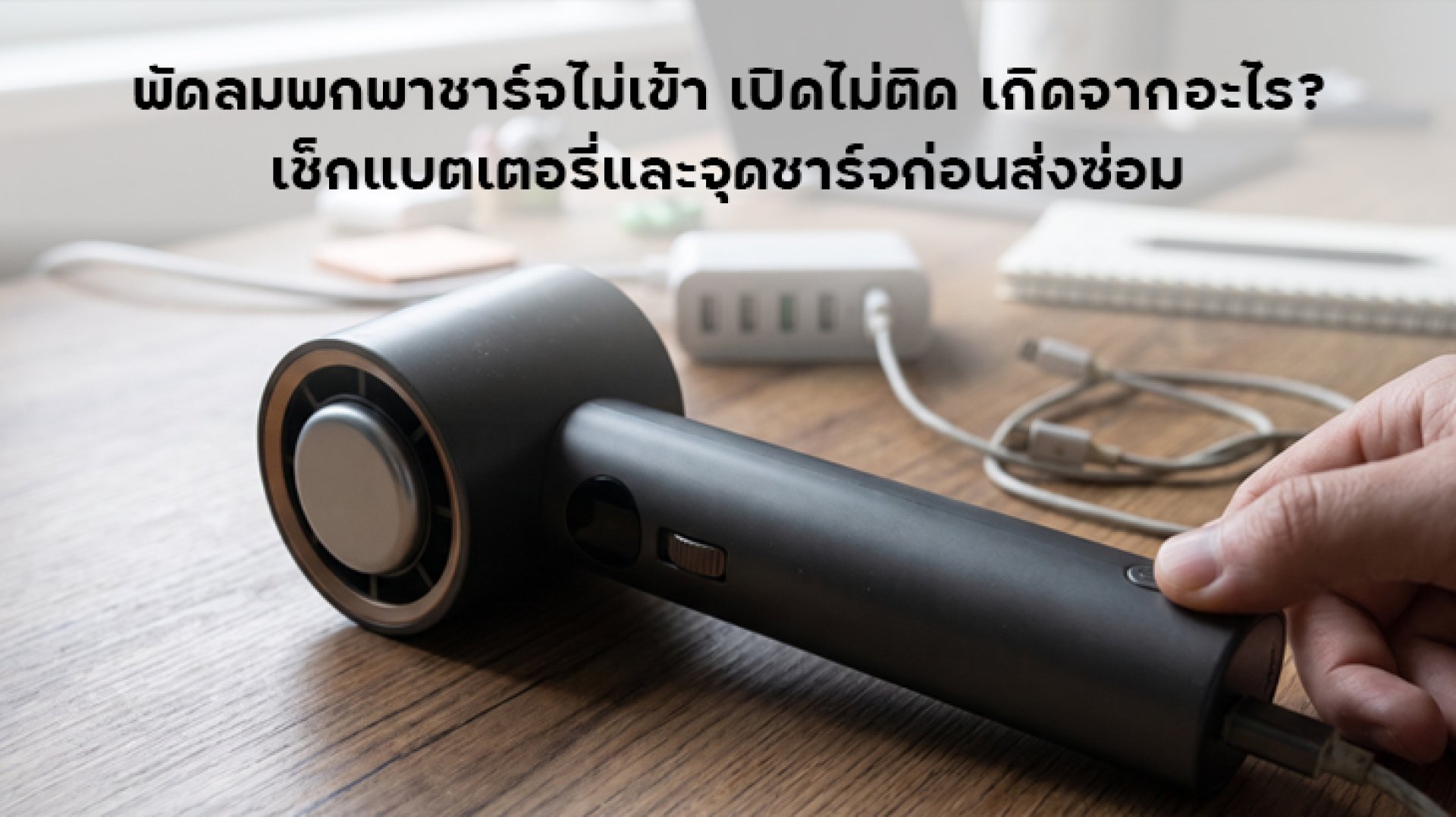
Have you tried turning on your favorite portable fan, only to find that it will not spin? Or perhaps you have plugged it in for charging, but the indicator light never comes on? A portable fan not charging or refusing to turn on can have several causes, ranging from a damaged USB cable and dusty charging port to a completely drained battery or an internal circuit problem. However, you do not necessarily need to buy a new fan immediately. Some issues can be identified and fixed with a few simple checks.
This guide walks you through seven important things to check, including the USB cable, power adapter, charging port, battery, power button, motor, and internal circuit. You will also learn how to identify the likely cause and when to stop using the fan and have it inspected by a technician.
Why Is Your Portable Fan Not Charging or Turning On?
Most portable fans use rechargeable batteries. They receive power through a USB port, such as USB-C or Micro USB, and transfer that power to the charging control circuit and fan motor. If any part of this system stops working correctly, the fan may fail to charge, refuse to turn on, or operate for only a few seconds before shutting down.
Common causes include:
- A damaged or incompatible USB charging cable.
- A faulty power adapter or power source.
- Dust or damaged contacts inside the USB charging port.
- A completely drained or deteriorated battery.
- A faulty power button or control system.
- A blocked fan blade or motor that cannot rotate freely.
- A damaged charging circuit or internal electronic component.
7 Things to Check When Your Portable Fan Is Not Charging
1. Check the USB Charging Cable First
If your portable fan is not charging, the first thing to inspect is the USB cable. Cables that are used frequently can develop internal breaks, loose connectors, or damaged wires, even when the outside insulation looks normal.
A cable may still charge a smartphone but fail to work properly with a particular portable fan. Different devices can have different power requirements and charging connection specifications.
How to check it:
- Try another USB cable that is in good condition.
- Inspect both connectors for cracks, bent contacts, or visible damage.
- Use a cable recommended by the manufacturer or one with suitable specifications.
- Check whether the charging indicator light turns on.
If the fan starts charging normally after you replace the cable, the original cable was likely the problem. There may be no need to repair the fan itself.
2. Check the Power Adapter and Power Source
Another reason a portable fan may not charge is a faulty power adapter or power source. Possible problems include unstable power output, a loose USB port, or a damaged adapter.
Some portable fans are designed to charge from a 5V USB power source, while others may support different charging specifications. Always check the voltage and power requirements in the product manual before choosing an adapter. A higher-wattage adapter is not automatically suitable for every fan.
How to check it:
- Try another adapter that meets the manufacturer's specifications.
- If the manual allows it, test a USB port on a computer or another reliable power source.
- Check whether the adapter becomes unusually hot or produces a burning smell.
- Avoid using damaged adapters or cables.
If the fan charges normally after switching power sources, the problem may be with the original adapter or USB port rather than the fan.
3. Inspect the USB Charging Port for Dust or Damage
The charging port is another commonly overlooked problem area. Portable fans are often carried in bags or used outdoors, allowing dust, fabric fibers, and small particles to accumulate inside the port. These particles may prevent the charging cable from making proper contact with the connectors.
If you have to move the cable around to make the charging light turn on, or if the connector feels unusually loose, the charging port may be damaged or worn.
How to check it:
- Disconnect the charging cable before inspecting the port.
- Use a light to check for dust or debris inside the connector.
- If dust is present, clean it carefully with a suitable non-metallic tool that will not damage the contacts.
- Look for cracks, bent contacts, or a loose charging port.
Never insert a needle or other metal object into the USB port. Doing so may damage the contacts or cause a short circuit. If the port is loose and the cable no longer fits securely, have a technician inspect it rather than forcing the connector into place.
4. The Battery May Be Completely Drained or Worn Out
If you have tried another cable and adapter but the fan still shows no charging indicator, the battery may be the problem. This is especially possible if the fan has not been used for a long time or has gone through many charging cycles.
A rechargeable lithium battery that has been deeply discharged may enter a protective state, preventing it from supplying power normally. A worn-out battery may also have reduced capacity, causing the fan to run for only a short time or shut down unexpectedly.
Signs that the battery may be faulty:
- The battery appears to charge fully much faster than it used to, but the fan runs for only a short time.
- The battery level drops quickly, even when the fan is running at a low speed.
- The fan turns on and then shuts down by itself.
- You need to recharge the fan much more frequently than before.
- The charging indicator does not respond even after checking the cable and power source.
If the battery is swollen, unusually hot, smells strange, or shows visible damage, stop using the fan and disconnect it from the power source immediately. Do not open, puncture, or attempt to replace the battery yourself unless you have the appropriate knowledge and equipment.
5. The Power Button or Control System May Be Faulty
Sometimes the problem is not the battery or charging system. A faulty power button can prevent the fan from starting even when the battery still has power. The button may be stuck, fail to respond, or become damaged internally.
How to check it:
- Press the power button according to the instructions in the product manual.
- Check whether the button feels stuck or fails to spring back after being pressed.
- If the model has a button-lock function, make sure it is unlocked.
- Check whether the indicator light or any other status signal responds when you press the button.
Some portable fans require you to hold the power button for several seconds or press it twice to start the motor. Check the operating instructions before assuming that the button is broken.
6. The Fan Blade or Motor May Be Blocked
If the fan receives power but the blades do not spin, or you hear the motor running without any airflow, dirt or hair may be trapped around the rotating shaft. This can prevent the blades from moving freely.
Some models have protective systems that stop the motor when resistance becomes too high, helping prevent further damage.
How to check it:
- Turn off the fan and disconnect the charging cable before inspection.
- Check for hair, dust, or foreign objects around the grille and fan blades.
- Clean only the parts that the manufacturer allows users to remove.
- Make sure the grille or protective cover is correctly installed.
Never insert your fingers or tools into the fan blades while the device is running. Do not force the motor shaft to rotate. If the blades are stuck or the motor makes unusual noises, have the fan inspected by a technician.
7. The Charging Circuit or Internal Control Board May Be Damaged
If you have checked the cable, adapter, USB port, and battery but the fan still does not respond, the problem may be inside the charging circuit or control board.
Possible causes include exposure to moisture, water damage, physical impact, using a power source that does not meet the device's requirements, or deterioration of internal electronic components.
Warning signs that require professional inspection:
- No charging indicator appears even when the fan is connected to a working power source.
- The charging light flashes abnormally or repeatedly turns on and off.
- The fan becomes unusually hot even when it is not being used heavily.
- You notice unusual sounds, a burning smell, or visible internal damage.
- The problem remains after trying a suitable cable and power adapter.
Do not attempt to open the fan or repair its circuit yourself. Doing so may cause further damage to the battery and internal components. Contact the brand's service center or a qualified repair technician instead.
Portable Fan Troubleshooting: A Quick Symptom Checklist
If you are unsure where the problem is, use this table to identify possible causes before deciding whether to send your portable fan for repair.
| Symptom | Possible Cause | What to Check |
|---|---|---|
| No charging light when plugged in | USB cable, adapter, or charging port | Try another cable and power source |
| Charging light is on, but battery level does not increase | Battery or charging circuit | Follow the manual and seek professional inspection if the problem continues |
| Fully charged but will not turn on | Power button or control circuit | Check the startup procedure and button lock |
| Turns on and then shuts down | Worn battery or protective system activation | Observe battery runtime and unusual heat |
| Motor makes noise but blades do not spin | Blocked fan blades or rotating shaft | Check for debris after switching off the fan |
| Device becomes hot or smells burnt | Battery or internal circuit problem | Stop using it and seek professional inspection immediately |
How Long Should You Charge a Portable Fan Before Assuming It Is Broken?
If the battery is so depleted that the fan cannot turn on, it may take some time before the charging indicator appears. However, the appropriate charging time depends on the model, battery capacity, and charging control system.
Here are some recommended steps:
- Use a cable and adapter that meet the manufacturer's requirements.
- Charge the fan on a dry surface with good ventilation.
- Check the charging indicator according to the instructions for your model.
- Do not leave the fan charging unattended if it shows unusual behavior.
- If there is still no response after checking the charging accessories, contact the service center.
Do not leave the fan charging overnight in the hope that the battery will recover, especially if the device becomes unusually hot, the battery is swollen, or there is a strange smell.
When Should You Send a Portable Fan for Repair?
If checking the external components does not solve the problem, it may be time to have the fan inspected. This is particularly important if you notice any of the following symptoms:
- You have replaced the charging cable and adapter, but the fan still will not charge.
- The USB port is loose, cracked, or has damaged contacts.
- The battery is swollen, unusually hot, or produces an unusual smell.
- The fan has been dropped or exposed to water and no longer works properly.
- The motor makes unusual noises or the fan blades do not spin.
- You notice burn marks or abnormal charging indicator behavior.
Before sending the fan for repair, check the warranty period, keep your receipt or proof of purchase, and contact the retailer or brand's service center before opening the device. Unauthorized repairs may affect warranty coverage.
How to Maintain Your Portable Fan Battery for Longer Life
Once you have fixed the charging problem, proper battery care can help extend the useful life of your portable fan. Charging habits and storage conditions can affect the performance of rechargeable batteries over time.
- Use a suitable cable and adapter: Choose charging accessories that meet the voltage and current specifications provided by the manufacturer.
- Avoid excessive heat: Do not leave the fan inside a vehicle parked under direct sunlight or in a high-temperature area for extended periods.
- Avoid leaving the battery completely discharged for long periods: If the fan will not be used for a while, maintain its battery according to the manufacturer's storage recommendations.
- Charge in a well-ventilated area: Place the fan on a suitable surface and avoid blocking heat dissipation.
- Clean the air vents and fan blades: This helps prevent dust buildup that may interfere with motor operation.
- Store it properly: Keep the fan away from moisture, water, and physical impact.
Conclusion: Check These 7 Things Before Replacing Your Portable Fan
A portable fan not charging or refusing to turn on does not necessarily mean that the battery is damaged. The issue could also be caused by a USB cable, power adapter, charging port, or power button. Checking the external components first can help identify the problem and avoid unnecessary repair costs.
If you have checked all seven areas and the fan still does not work, or if you notice a swollen battery, unusual heat, or a burning smell, stop using it immediately and contact a service center or qualified technician. Do not force it to charge or attempt to open the device yourself, as this may increase the risk of damage and safety hazards.
Frequently Asked Questions (FAQ)
1. Why is my portable fan not charging even though the indicator light is on?
Possible causes include a worn battery, a faulty charging circuit, or an indicator light that does not accurately reflect the battery level. Check the cable and adapter first. If the problem continues, have the fan inspected by a technician.
2. Do I need to replace the battery if my portable fan shows no charging light?
Not necessarily. The problem could be caused by the USB cable, power adapter, or charging port. Try a compatible charging accessory that meets the manufacturer's specifications before replacing the battery.
3. Why won't my portable fan turn on even after it is fully charged?
Possible causes include a faulty power button, an active button-lock function, a control circuit problem, or a battery that cannot deliver power properly. Check the startup instructions and charging indicator first.
4. Does a portable fan that turns on and then shuts down have a bad battery?
A worn battery is one possible cause, particularly if the fan runs for only a short time after a full charge. However, a blocked motor or an activated protection circuit may also cause the same symptom.
5. Is it safe to leave a portable fan charging overnight?
Follow the manufacturer's charging instructions. Although some models include charging control systems, do not leave a fan charging unattended if it shows unusual symptoms such as excessive heat, a swollen battery, or a burning smell.