Front and Rear Dash Cam Is It Necessary? How Does It Compare to a Front-Only Dash Cam, Which Is More Worth Buying?
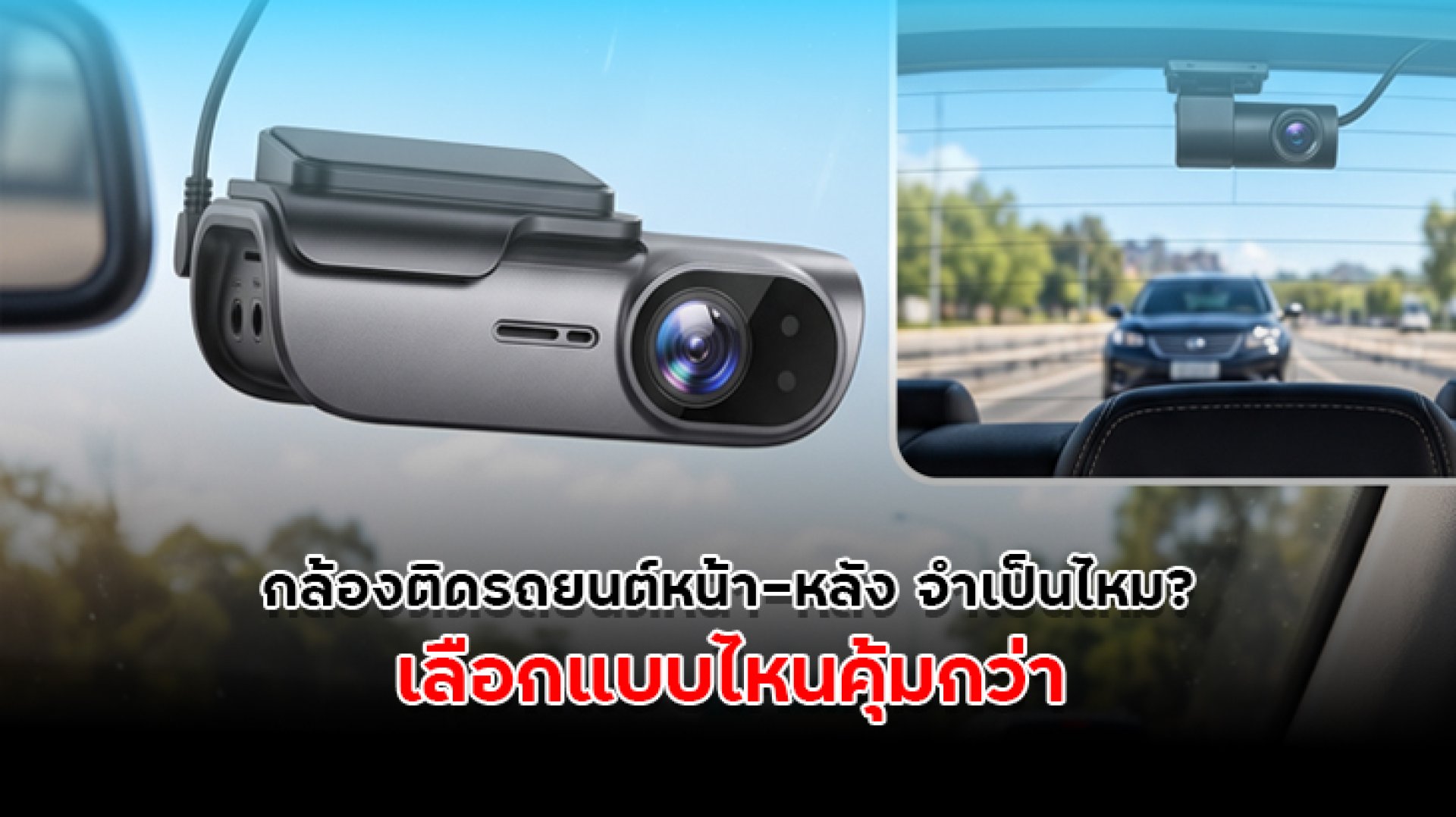
When choosing a dash cam, many drivers face a common question: Should they buy a front-facing camera only, or spend a little more on a system that records both the front and rear of the vehicle? Road accidents do not always happen in front of your car. Rear-end collisions, sideswipes from behind, and incidents in parking areas can all occur outside the viewing angle of a front-only camera.
A front and rear dash cam is therefore an appealing option for drivers who want more comprehensive video evidence. But is a rear camera really necessary? Is the additional cost worth it? This guide compares both systems, covering recording capabilities, blind spots, video resolution, installation, and how to choose the right setup for your driving habits.
1. What Can a Front-Only Dash Cam Record?
A front-only dash cam is a popular entry-level option because it is relatively affordable, easy to install, and simple to operate. Its primary purpose is to record incidents occurring in front of the vehicle, covering the same general direction as the driver's field of vision.
Typical incidents that a front-facing camera can capture include:
- Front-end accidents: Records situations involving sudden braking, collisions with vehicles ahead, or cars cutting into your lane unexpectedly.
- Lane-changing incidents: Captures vehicles that cut in, make sudden lane changes, or fail to signal properly.
- Road incidents: Records surrounding traffic conditions, road conditions, and other drivers' behavior.
- Driving evidence: Provides footage that can help reconstruct the sequence of events following an accident.
For drivers who primarily travel within cities, rarely take long trips, and mainly need evidence of incidents in front of their vehicles, a front-only dash cam may be sufficient. It is particularly suitable for those with limited budgets who would rather invest in better front-camera resolution or recording quality.
However, its biggest limitation is its fixed recording direction. Even if a camera offers 2K or 4K resolution, it cannot capture incidents occurring behind the vehicle if they fall outside its field of view.
2. Blind Spots That a Front-Only Dash Cam Cannot Record
The main limitation of a front-only dash cam is not necessarily its video resolution, but its camera position and recording direction. Some accidents happen in areas that the front camera simply cannot see.
Examples of incidents that may not be fully captured include:
Rear-End Collisions
Rear-end collisions can happen on busy roads, at traffic lights, or in stop-and-go traffic. If you only have a front-facing camera, the footage may show that your vehicle was stationary, but it cannot directly capture the vehicle approaching from behind and hitting your car.
Although front footage may help establish what happened before the collision, important details such as the other vehicle's position, the impact, and its behavior immediately before the accident may be missing.
Being Sideswiped from Behind
Not every accident involves a direct rear-end collision. A motorcycle or another car may approach from behind and scrape your rear bumper or bodywork. A front-only camera has very limited ability to capture the actual point of impact.
Accidents While Reversing
If your vehicle is hit while reversing out of a parking space, a front-facing camera may not capture the vehicle or obstacle behind you. This is particularly problematic in parking areas with limited visibility.
This is why many drivers consider a front and rear dash cam. Having an additional recording angle helps reduce evidence gaps when an incident occurs outside the front camera's field of view.
3. How Does a Rear Dash Cam Help Capture Evidence in Rear-End Collisions?
The main advantage of a dual-camera dash cam system is that it records two directions simultaneously. The front camera captures incidents ahead, while the rear camera records traffic and events behind the vehicle.
When an accident occurs, footage from both cameras can be reviewed together to provide a clearer picture of what happened.
- Records approaching vehicles: Helps establish whether the other vehicle was following too closely or behaving unusually before the accident.
- Captures rear-end impacts: Provides rear-facing footage that may help establish the timing and circumstances of a collision.
- Records lane-changing incidents: Helps capture vehicles approaching from behind or changing lanes near the rear of your vehicle.
- Provides additional insurance evidence: Footage from both directions can offer more information when an insurance company reviews an accident claim.
However, rear-camera footage does not automatically determine fault in every accident. The full circumstances, traffic regulations, and other available evidence must still be considered. Nevertheless, having footage from another direction can significantly reduce the limitations of relying on front-facing footage alone.
For people who drive long distances, regularly use highways, commute through heavy traffic, or frequently park in public areas, a front and rear dash cam can provide more comprehensive recording coverage.
4. Dual-Channel Dash Cams vs. Separately Installed Cameras: What's the Difference?
Before purchasing a front and rear dash cam, it is important to understand how different camera systems work. Having two cameras does not necessarily mean they operate in the same way. There are generally two installation approaches.
Dual-Channel Dash Cam Systems
A dual-channel dash cam is designed as a complete system. It typically includes a main front camera mounted near the windshield and a secondary rear camera installed near the rear windshield. The main unit controls the recording functions of both cameras.
The advantage is that footage from the front and rear cameras can be recorded systematically onto a memory card. Some models also allow users to view both camera angles simultaneously through a mobile app or computer software.
One important consideration is whether the main camera genuinely supports two-channel recording and what resolution the rear camera provides. Some models offer high-resolution front recording but use a significantly lower resolution for the rear camera.
Separately Installed Front and Rear Cameras
Another option is to install two independent cameras, such as one front-facing dash cam and another rear-facing camera. Each unit may have its own recording system and storage.
The advantage is flexibility. You can choose each camera according to your requirements, such as selecting a high-resolution front camera and a rear camera with a wider field of view.
However, managing the footage can be less convenient because recordings may need to be retrieved from two separate devices. If the cameras do not synchronize their clocks, you may also need to adjust their timestamps before comparing footage.
If convenience and synchronized recording are priorities, a dedicated front and rear dash cam with Dual-Channel functionality is generally the more straightforward option.
5. What Rear Camera Resolution and Viewing Angle Should You Look For?
Many buyers prioritize front-camera resolution but overlook the rear camera. However, rear-camera image quality is equally important when you need to review footage or use it as evidence.
Before buying a front and rear dash cam, consider the following specifications.
Rear Camera Resolution
Resolution affects the level of detail captured in video. Rear cameras are available in different resolutions, including:
- 720P: Suitable for basic recording, although distant objects and vehicle details may be difficult to identify.
- 1080P Full HD: A practical resolution for everyday use, offering a reasonable level of detail and commonly available in dual-camera systems.
- 2K or higher: Suitable for drivers who want additional image detail, but check whether the system can actually record at the advertised resolution on both channels simultaneously.
Do not rely solely on the resolution printed on the product packaging. Sensor quality, lens performance, image processing, and low-light performance also affect the final recording quality.
Rear Camera Viewing Angle
The lens viewing angle determines how much of the area behind your vehicle can be recorded. A narrow viewing angle may fail to capture vehicles approaching from adjacent lanes. However, an excessively wide angle can cause distortion near the edges of the image.
Choose a viewing angle that provides suitable coverage behind your vehicle. If possible, check sample footage to see how clearly the camera captures adjacent lanes and vehicles following behind.
Night Recording Performance
Accidents can happen at any time, so the rear camera should also perform well at night. Consider its image sensor, ability to handle glare from headlights behind your vehicle, and ability to preserve details in low-light conditions.
Simultaneous Recording
Check whether the dash cam can continuously record both front and rear footage at the same time. It is also important to confirm that both recordings share synchronized timestamps. This makes it easier to compare the two angles when reviewing an accident.
6. How to Route and Install a Rear Dash Cam Safely
Installing a front and rear dash cam involves more than mounting the main unit on the front windshield. You also need to route a signal cable to the rear of the vehicle. Proper cable management is essential to keep the installation neat and prevent interference with normal vehicle operation.
The general installation process includes the following steps:
- Mount the front camera: Position it on the front windshield without obstructing the driver's view, ensuring that it captures the road ahead effectively.
- Install the rear camera: Mount it near the rear windshield in a position that is not obstructed by luggage, accessories, or other objects inside the vehicle.
- Route the signal cable: Run the cable from the main camera to the rear unit, typically along the headliner and door trim for a cleaner installation.
- Check the cable path: Avoid routing cables through airbag deployment areas, moving components, or locations where they could become trapped when opening and closing doors.
- Test the system: Power on the cameras and verify that both views display and record properly.
For vehicles with heavily tinted rear windows, check the rear camera's recording performance carefully. Dark window film can reduce incoming light and make footage darker, particularly at night.
Another consideration is the vehicle design. SUVs and hatchbacks, for example, may have rear cables that move when the tailgate or rear window is opened. The cable route must account for this movement to prevent damage.
If you are unfamiliar with vehicle wiring, consider professional installation. This helps reduce the risk of damaging cables or interfering with vehicle safety systems.
7. Does a Front and Rear Dash Cam Use More Memory Card Storage?
Storage capacity is another important consideration. A dual-camera system records more video data than a front-only dash cam, particularly when both cameras record at high resolutions simultaneously.
The amount of storage used depends on several factors, including resolution, bitrate, frame rate, video compression, and recording duration.
For example, if the front camera records at 2K while the rear camera records at Full HD, the combined data usage will be higher than that of a front-only system.
Before purchasing a front and rear dash cam, check the maximum supported memory card capacity and choose a card designed for continuous video recording. High Endurance memory cards are generally recommended because they are designed to handle repeated write cycles over extended periods.
You should also check for Loop Recording, which automatically overwrites older footage when storage becomes full, and Emergency Recording, which helps protect important footage from being overwritten automatically.
8. Front-Only vs. Front and Rear Dash Cams: Which Offers Better Value?
If you are still unsure which system to buy, compare the two options based on their practical features and everyday use.
| Comparison | Front-Only Dash Cam | Front and Rear Dash Cam |
|---|---|---|
| Recording coverage | Records the front only | Records both front and rear |
| Rear-end collision evidence | Cannot directly capture the impact from behind | Provides rear-facing footage |
| Rear sideswipe incidents | Limited recording coverage | Better visibility of incidents behind the vehicle |
| Installation | Simpler, with fewer cables | Requires cable routing to the rear camera |
| Storage requirements | Lower storage usage | Higher storage usage |
| Budget | More affordable | Higher initial cost |
| Evidence coverage | Focused on incidents ahead | Covers two directions |
The comparison shows that a front-only dash cam is suitable for drivers who want to save money and primarily record incidents ahead. A front and rear dash cam is better suited to drivers who want more comprehensive evidence, especially when dealing with incidents involving vehicles behind them.
From a value perspective, spending a little more to record the rear of your vehicle can be a sensible investment if you drive regularly. Once an accident happens, you cannot go back and capture footage that was never recorded.
9. How to Choose a Front and Rear Dash Cam for Your Driving Habits
You do not necessarily need to buy the most expensive model with the highest specifications. Instead, choose a system that matches your driving habits, budget, and evidence-recording requirements.
For Drivers Who Commute in Busy Cities
If you regularly drive in urban areas with heavy traffic, motorcycles, and frequent lane changes, a front and rear dash cam can provide additional recording coverage. It is particularly useful for documenting sideswipes and vehicles approaching close to the rear of your car.
For Drivers Who Frequently Travel Long Distances
If you regularly drive on highways or travel between provinces, choose a system with good daytime and nighttime recording performance. The rear camera should also capture sufficient detail of vehicles following behind.
For Drivers Who Park in Public Areas
If you frequently park in shopping malls, public parking lots, or busy areas, having two recording angles may help when investigating damage caused by another vehicle while your car is parked.
However, check whether the model supports Parking Mode and whether an additional power supply is required. A dual-camera system does not automatically mean it can record while the engine is switched off.
For Budget-Conscious Drivers
If your budget is limited and you do not drive frequently, a good-quality front-only dash cam may be sufficient. However, if you plan to add a rear camera later, check whether the model supports an additional camera before purchasing it.
10. Conclusion: Is a Front and Rear Dash Cam Worth Buying?
A front and rear dash cam is not essential for every driver, but it can be a worthwhile investment for those who want more comprehensive recording coverage than a front-only camera can provide.
Road accidents can happen from different directions, particularly rear-end collisions and sideswipes in parking areas. These are important situations that a front-only camera may not capture adequately.
If you drive every day, frequently travel long distances, or regularly encounter heavy traffic, a Dual-Channel front and rear dash cam is a practical option because it records both directions simultaneously.
On the other hand, if you rarely drive, have a limited budget, and mainly need footage of incidents ahead, a front-only dash cam can still meet your requirements.
Before making a purchase, check the resolution of both cameras, lens viewing angles, nighttime recording performance, supported memory card capacity, and installation requirements. The best dash cam is not simply the one with two cameras, but the one that captures useful footage when an unexpected incident occurs.
Frequently Asked Questions About Front and Rear Dash Cams (FAQ)
1. Is a front and rear dash cam better than a front-only dash cam?
It depends on your driving needs. If you want to record incidents from both directions, such as rear-end collisions or sideswipes while parked, a dual-camera system provides better coverage. However, a front-only camera is sufficient if you mainly need to record incidents ahead.
2. Can a rear dash cam record while the car is parked?
Yes, if the model supports Parking Mode and has a suitable power supply, such as a Hardwire Kit. However, recording conditions vary by model. Some systems only activate when they detect an impact or movement.
3. If the front camera records in 4K, what resolution should the rear camera have?
For everyday use, a rear camera with at least 1080P Full HD is a practical choice. Higher resolutions may provide more detail, but check whether the system supports simultaneous recording at the advertised resolution on both channels.
4. Can I install a front and rear dash cam myself?
Yes, if you understand the installation instructions and vehicle cable routing. However, take care around airbag deployment areas, cable pinch points, and wiring near the tailgate. If you are unsure, professional installation is recommended.
5. Do two dash cams require two separate memory cards?
Not necessarily. Most Dual-Channel systems allow the main camera to control both recordings and store the footage on a single memory card. However, independently installed cameras may require separate memory cards. Always check the storage configuration before purchasing.
6. Can a front and rear dash cam also function as a reversing camera?
Not every model supports this feature. Most rear dash cams are designed primarily for video recording rather than displaying a live reversing view. If you need parking assistance, choose a model that specifically supports rear-camera display when reverse gear is engaged.