Bluetooth Earbuds Sound Too Low Even at Maximum Volume? 7 Things to Check Before Buying New Ones
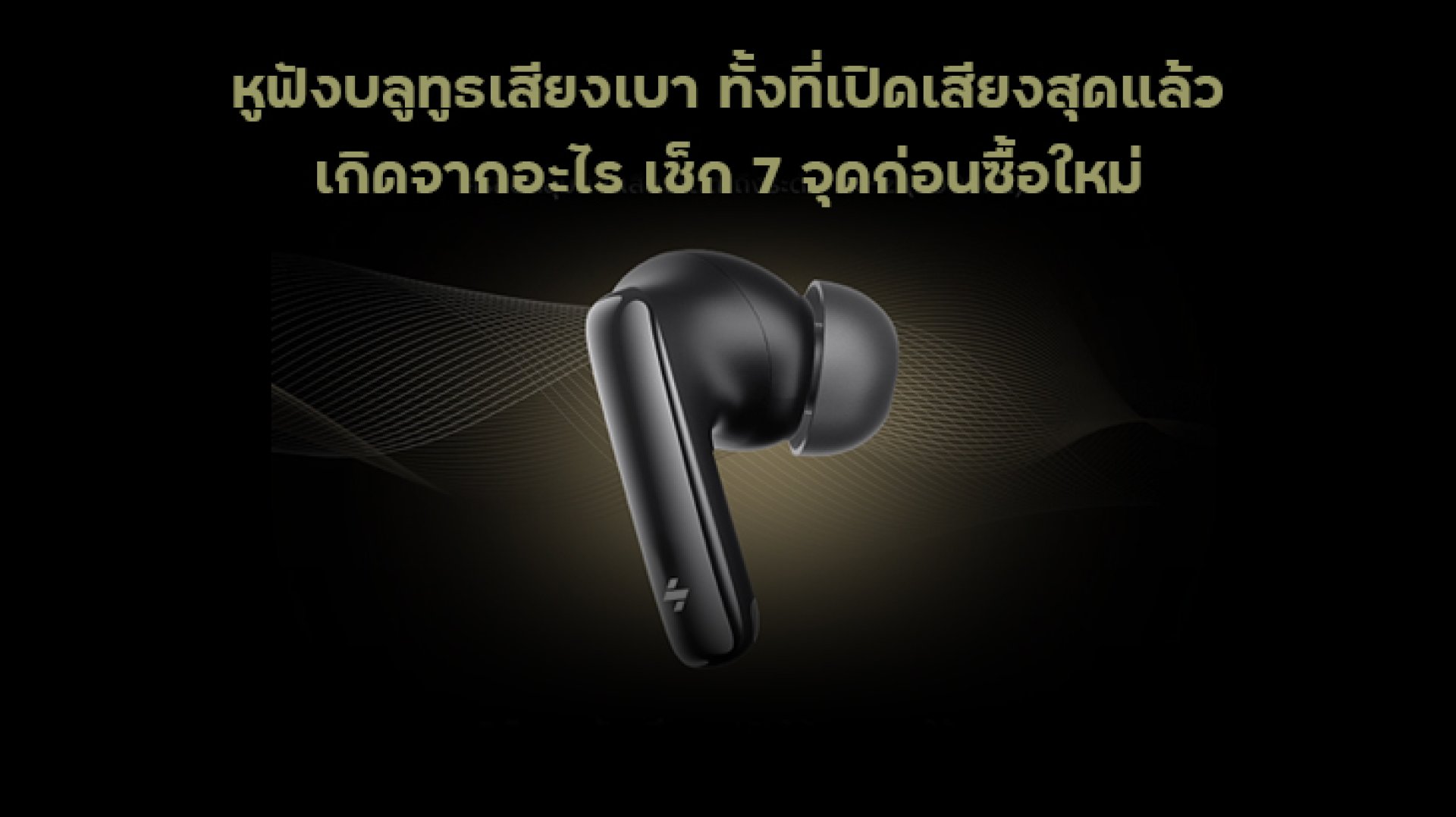
Have you ever turned your phone volume all the way up, only to find that your Bluetooth earbuds are still too quiet? If so, don't rush out to buy a new pair just yet. The problem may not be damaged earbuds. It could be caused by separate volume controls, smartphone settings, blocked speaker mesh, Bluetooth connection issues, or even audio settings within your music app.
When your Bluetooth earbuds sound too low, there are several things you can check yourself. This guide covers 7 common causes, along with practical solutions to help you identify the problem before spending money on a replacement.
Why Do Bluetooth Earbuds Sound Too Low?
Bluetooth earbuds can sound quieter than expected for several reasons. Some models have independent volume controls, meaning your phone and earbuds may not be set to the same volume level. Other causes include volume restrictions, accumulated dirt, incorrect audio balance, or problems with the Bluetooth connection.
In some cases, the battery or internal speaker components may have deteriorated. However, it is worth checking the basic settings first because many low-volume problems can be fixed without replacing the earbuds.
7 Things to Check When Bluetooth Earbuds Sound Too Low
1. Check the Volume Controls on Both Your Phone and Earbuds
One common reason Bluetooth earbuds sound too low is that the phone and earbuds have separate volume controls. Increasing the volume on your smartphone does not always increase the volume on the earbuds themselves.
Some models allow you to adjust volume using touch controls, physical buttons, or a dedicated companion app. If the earbud volume is set too low, the sound may remain quiet even when your phone displays maximum volume.
How to fix it:
- Increase the volume directly on your smartphone.
- Check whether your earbuds support independent volume adjustment.
- Use the touch controls or physical buttons to increase earbud volume.
- Open the manufacturer's app and check its volume settings, if available.
After adjusting both controls, play music again and check whether the sound level has improved.
2. Check Your Phone's Volume Limit Settings
Both iPhone and Android devices may include settings that limit headphone volume to protect your hearing. If a volume limit is enabled, your Bluetooth earbuds may not reach the loudness you expect.
On an iPhone, check the headphone safety settings. Depending on your iOS version and region, you may find options related to reducing loud headphone audio.
On Android, look for settings such as Media Volume Limit, Safe Media Volume, or similar options. The exact menu names vary by manufacturer and Android version.
How to fix it:
- Open your phone's Settings menu.
- Search for Headphone Safety or Media Volume Limit.
- Check whether a volume restriction is enabled.
- Review the setting and adjust it according to your hearing-safety needs.
Keep in mind that volume limits are designed to protect your hearing. Avoid listening at excessively high volumes, especially for long periods.
3. Check Whether Dirt Is Blocking the Earbud Speaker Mesh
If you use your earbuds every day, dust, earwax, and other debris can gradually accumulate around the speaker mesh. Even a thin layer of buildup can obstruct sound and make your Bluetooth earbuds sound too low.
This problem is particularly common with in-ear earbuds because the speaker opening sits close to the ear canal.
How to fix it:
- Remove the silicone ear tips if your earbuds have them.
- Use a soft, dry brush to gently clean the speaker mesh.
- Wipe the ear tips with a clean, dry cloth.
- Make sure all parts are completely dry before using the earbuds again.
Avoid using sharp objects to poke the speaker mesh, and do not pour water or cleaning liquid directly into the earbuds. Doing so may damage the internal components.
4. Check the Left and Right Audio Balance
Sometimes the problem is not that both earbuds are quiet. One side may simply be louder than the other because the audio balance has been adjusted incorrectly.
Most smartphones include an accessibility setting that lets users adjust the sound balance between the left and right channels. If the slider is moved too far to one side, the opposite earbud may sound significantly quieter.
How to fix it:
- Open your smartphone's Settings menu.
- Find Accessibility or Audio settings.
- Look for Left/Right Audio Balance.
- Move the slider back to the center position.
Play a stereo audio track afterward to check whether both earbuds now produce balanced sound.
5. Check the Equalizer and Audio Settings in Your Music App
Not all low-volume problems come from the earbuds or smartphone system. Your music app may also affect how loud the audio sounds.
Some apps include an Equalizer (EQ), volume normalization, sound enhancement, or other audio-processing features. Incorrect EQ settings can reduce certain frequencies, making music sound less powerful or less clear.
How to fix it:
- Open the music or streaming app you normally use.
- Check the Equalizer settings.
- Temporarily disable custom EQ presets and sound effects.
- Check whether volume normalization or similar features are enabled.
- Compare the sound with another music app or an audio file.
If the earbuds sound normal in another app, the issue may be related to the original app's audio settings rather than the earbuds themselves.
6. Disconnect and Reconnect Your Bluetooth Earbuds
Bluetooth connection errors can sometimes cause unusual audio behavior, including volume problems, sound interruptions, or inconsistent playback.
If your Bluetooth earbuds suddenly become quieter than usual, try disconnecting and pairing them again. This can help resolve temporary connection or synchronization issues.
How to fix it:
- Turn off Bluetooth on your smartphone.
- Place both earbuds in their charging case, if applicable.
- Wait a few seconds before taking them out again.
- Turn Bluetooth back on and reconnect the earbuds.
- If the problem continues, select the earbuds in your Bluetooth settings and choose Forget This Device or Unpair.
- Pair the earbuds again following the manufacturer's instructions.
You can also try resetting the earbuds to factory settings. However, the reset procedure differs between models, so check the user manual before proceeding.
7. Test Your Earbuds with Another Phone or Device
If you have already checked the volume, cleaned the speaker mesh, and reconnected Bluetooth, the next step is to determine whether the problem comes from your smartphone or the earbuds.
Connect your earbuds to another smartphone, tablet, or computer and play the same audio track at a similar volume level.
How to interpret the results:
- Sound is normal on another device: The problem may be related to your original phone's settings or Bluetooth connection.
- Sound is still too low on every device: The earbuds may have a hardware problem or internal speaker damage.
- Only one side is quiet: The speaker mesh, internal components, or audio balance may be responsible.
This simple test can help you avoid replacing perfectly functional earbuds when the actual problem is your smartphone.
When Should You Replace Your Bluetooth Earbuds?
After checking all 7 points, you may still find that your Bluetooth earbuds sound too low. If the problem persists across multiple devices, it may indicate hardware deterioration.
Consider contacting the manufacturer or replacing the earbuds if you notice these symptoms:
- Both earbuds remain unusually quiet even at high volume settings.
- The sound is distorted, crackling, or unclear.
- One side produces little or no sound despite cleaning and resetting.
- The earbuds have suffered physical or moisture damage.
- The battery drains unusually quickly or the earbuds behave inconsistently.
Before buying a replacement, check the product warranty. If the earbuds are still covered, you may be eligible for inspection, repair, or replacement under the manufacturer's warranty terms.
How to Prevent Bluetooth Earbuds from Becoming Too Quiet
Regular maintenance can help keep your earbuds working properly and reduce the risk of sound problems over time.
- Clean them regularly: Remove dust and earwax from the speaker mesh using appropriate cleaning tools.
- Store them in their charging case: This helps protect the earbuds from dust, dirt, and accidental damage.
- Avoid moisture: Do not expose earbuds to water or excessive humidity beyond their specified protection rating.
- Keep firmware updated: Install available updates through the manufacturer's app when recommended.
- Use a comfortable volume level: Avoid continuously listening at maximum volume to protect your hearing.
Conclusion: Check the Cause Before Buying New Earbuds
When Bluetooth earbuds sound too low, it does not necessarily mean they are broken. The problem could be caused by separate volume controls, smartphone restrictions, dirty speaker mesh, audio balance, music app settings, or Bluetooth connection errors.
Try all 7 checks in this guide before deciding to replace your earbuds. If the sound remains unusually low after testing with another device, contact the manufacturer or check your warranty. Finding the actual cause first can save you money and prevent you from replacing earbuds that are still perfectly usable.
Frequently Asked Questions About Bluetooth Earbuds Sound Too Low
Why are my Bluetooth earbuds quiet even at maximum phone volume?
Your earbuds may have a separate volume control, or your smartphone may have a headphone volume limit enabled. Check both settings before assuming the earbuds are damaged.
Why is one Bluetooth earbud quieter than the other?
Possible causes include blocked speaker mesh, incorrect left/right audio balance, a Bluetooth connection issue, or damage to one earbud's internal components.
Will resetting Bluetooth earbuds fix low volume?
It may help if the problem is caused by a temporary software or connection error. However, resetting will not fix physical damage or a speaker opening blocked by dirt.
Can an old battery make Bluetooth earbuds quieter?
Battery deterioration can cause unstable performance or unexpected shutdowns. Whether it directly affects volume depends on the earbud design, so test the earbuds and battery behavior before concluding that the battery is responsible.
Is listening to Bluetooth earbuds at maximum volume dangerous?
Listening at high volume for extended periods can damage your hearing. Keep the volume at a comfortable level and take regular listening breaks, especially when using earbuds for several hours.