Dash Cam Footage Blurry at Night? 7 Things to Check Before Replacing Your Camera
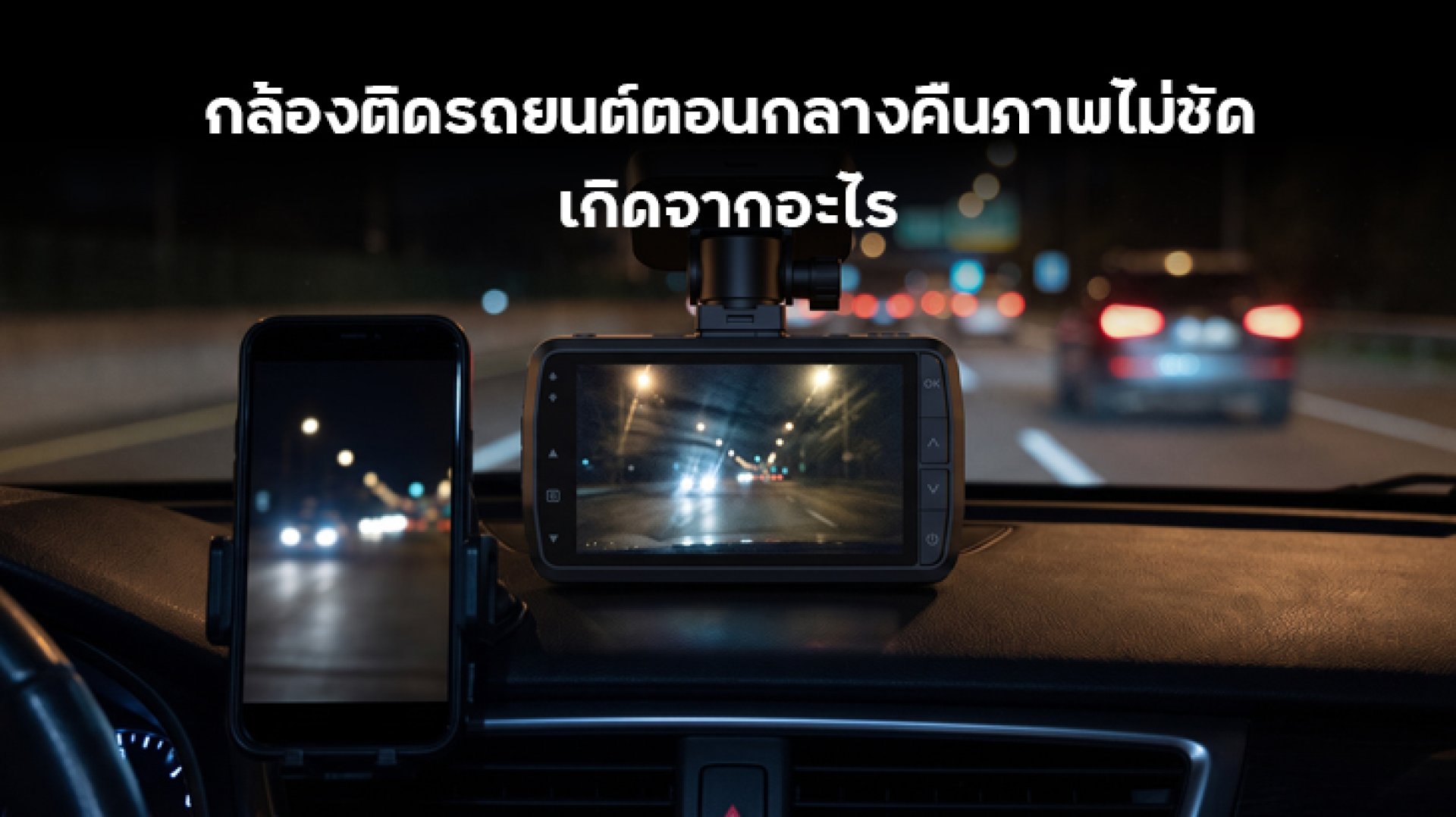
If your dash cam footage is blurry at night, making license plates difficult to read or causing road scenes to appear dark and washed out, you may not need to replace your camera just yet. Nighttime recording is more challenging than daytime recording because there is less available light, while headlights, streetlights, reflections, and moving vehicles can all affect image quality.
Before spending money on a new dash cam, check these seven possible causes. Some problems can be fixed simply by cleaning the lens, adjusting the camera position, or changing the recording settings.
Why Is Dash Cam Footage Blurry at Night?
A dash cam needs enough light to capture clear details. During the day, natural light helps the camera record road signs, vehicles, and license plates. At night, however, the camera has to work with much less light. This can result in darker footage, increased image noise, motion blur, or overexposed areas caused by headlights.
Even a dash cam with Full HD, 2K, or 4K resolution may produce disappointing nighttime footage if its image sensor, lens, exposure settings, or installation position are not suitable.
7 Reasons Your Dash Cam Footage Is Blurry at Night
1. The Camera Lens Is Dirty
This is one of the easiest problems to overlook. Dust, fingerprints, water spots, and oily residue on the lens can scatter incoming light. At night, headlights and streetlights may appear as large glowing patches, making the entire image look hazy.
How to fix it:
- Use a clean microfiber cloth to gently wipe the camera lens.
- Avoid using rough tissues or abrasive materials that may scratch the lens.
- Check the lens regularly, especially if the vehicle is parked in a dusty area.
- Make sure there is no protective film left on the lens.
If the footage becomes clearer after cleaning, there is no need to replace the camera.
2. The Windshield Is Dirty or Reflecting Light
Sometimes the problem is not the dash cam itself but the windshield. Dust, fingerprints, water stains, and oily residue on the glass can create reflections and light scattering, particularly when driving at night.
Windshield tint films or reflective coatings may also affect the amount of light reaching the camera. Some films can introduce reflections or reduce visibility, depending on their type and installation.
How to fix it:
- Clean both the inside and outside of the windshield.
- Check for water stains and oily marks around the camera's recording area.
- Inspect whether the tint film is directly affecting the camera's field of view.
- Make sure the camera is positioned behind a clear section of the windshield.
3. The Dash Cam Is Installed at the Wrong Angle
Camera positioning has a direct effect on recording quality. If the lens points too far upward, the footage may contain too much sky and bright streetlights. If it points too far downward, the camera may capture too much of the vehicle's dashboard.
At night, incorrect positioning can make exposure problems more noticeable. Bright headlights may dominate the image while important details in darker areas become difficult to see.
How to fix it:
- Install the camera near the center of the windshield, where it has a clear view of the road.
- Adjust the angle so the road occupies most of the frame.
- Avoid placing the camera directly behind areas with heavy windshield tint.
- Check the live preview before tightening the mounting bracket.
4. Resolution and Recording Settings Are Not Optimized
Some dash cams allow users to adjust resolution, frame rate, video quality, and other recording settings. If the settings are too low, fine details may become difficult to identify.
However, choosing the highest resolution does not automatically guarantee better nighttime footage. Image quality also depends on the sensor, lens, exposure, and video bitrate.
How to fix it:
- Select the highest practical recording resolution supported by the camera.
- Check whether the video quality or bitrate is set too low.
- Use the manufacturer's recommended frame-rate settings.
- Review an actual recording rather than relying only on the live preview.
Keep in mind that a higher frame rate can reduce the exposure time available for each frame in some recording conditions. This may affect low-light performance, depending on how the camera handles exposure.
5. WDR or HDR Is Disabled or Not Working Properly
WDR (Wide Dynamic Range) and HDR (High Dynamic Range) are image-processing technologies designed to help cameras handle scenes with very bright and very dark areas.
For example, when driving at night, a camera may need to capture both bright headlights and darker areas around the road. WDR or HDR can help balance these differences so that more details remain visible.
How to fix it:
- Check whether your dash cam supports WDR or HDR.
- Review the settings and enable the feature if recommended by the manufacturer.
- Record a short test video with the feature enabled and disabled.
- Compare the results under similar lighting conditions.
It is important to understand that WDR and HDR cannot create additional light or replace a good image sensor. Their effectiveness also depends on the camera's processing system and the recording environment.
6. The Image Sensor or Lens Is Not Designed for Low-Light Conditions
This is one of the most important factors when choosing a dash cam for nighttime driving. Two cameras with the same resolution can produce very different results because their image sensors and lenses may have different capabilities.
A camera with a sensor designed for low-light recording may capture more useful details in dark environments. Lens aperture also matters. Under otherwise comparable conditions, a lower f-number indicates a larger aperture that can allow more light to reach the sensor.
What to check:
- Look for real nighttime sample footage from the actual dash cam model.
- Check the image sensor specifications when available.
- Compare lens aperture values, such as f/1.8 and f/2.0.
- Look for footage showing moving vehicles and license plates at night.
Do not choose a dash cam based on resolution alone. A 4K camera does not necessarily record clearer nighttime footage than a well-designed 2K model.
7. The MicroSD Card or Video Compression Is Affecting Recording Quality
A MicroSD card does not directly improve image sharpness. However, an unsuitable or unreliable memory card may cause recording interruptions, corrupted files, or playback problems.
Video compression is another factor. If the recording bitrate is too low, fine details may be lost, particularly in scenes with movement, noise, and changing light conditions.
How to fix it:
- Use a MicroSD card that meets the dash cam manufacturer's requirements.
- Check the supported capacity and speed class.
- Format the card using the camera's recommended procedure after backing up important footage.
- Check the recording quality or bitrate settings if the camera provides them.
- Replace the card if recording errors or corrupted files continue.
Remember that changing the MicroSD card will not make an inherently poor-quality camera record sharper images. It mainly helps ensure reliable video storage.
How to Check Dash Cam Nighttime Recording Quality
If you are still unsure why your dash cam footage is blurry at night, use this checklist to identify the likely cause before replacing the device.
| What You See | Possible Cause | What to Check |
|---|---|---|
| Bright headlights look like large glowing spots | Dirty lens or windshield reflections | Clean the lens and glass |
| Road scenes look too dark | Low-light sensor limitations or exposure settings | Check sensor quality and recording settings |
| License plates are difficult to read | Motion blur, glare, or insufficient detail | Check sample footage and exposure performance |
| Image looks soft or hazy | Dirty lens, windshield, or protective film | Clean the recording area |
| Video looks blocky or loses details | Low bitrate or heavy compression | Check video quality settings |
| Recording stops or files cannot be played | Memory card problems | Check card compatibility and condition |
What Should You Look for When Buying a Dash Cam for Night Driving?
If you have checked all seven points and the footage is still unclear, the camera may have limitations that cannot be fixed through settings alone. When choosing a replacement, consider these factors:
1. Image Sensor Performance
Look for information about the image sensor and its low-light capabilities. A capable sensor can make a significant difference when recording in poorly lit environments.
2. Lens Aperture
Compare the lens aperture specification. A lower f-number generally means a larger aperture, allowing more light to reach the sensor under comparable conditions.
3. WDR or HDR Support
These features can help balance bright headlights and dark surroundings. However, compare actual footage rather than relying on the feature name alone.
4. Resolution and Bitrate
Higher resolution can preserve more image detail, but the recording bitrate and image processing also matter. Check whether the camera can maintain good detail without excessive compression.
5. Real Nighttime Sample Footage
This is one of the most useful ways to evaluate a dash cam. Look for recordings made at night in real driving conditions, including poorly lit roads, oncoming headlights, and moving vehicles.
Pay particular attention to whether license plates can be identified at realistic driving distances. A product demonstration recorded in a brightly lit area may not represent everyday nighttime performance.
Conclusion: Check These 7 Points Before Replacing Your Dash Cam
When dash cam footage is blurry at night, the cause may be something simple, such as a dirty lens, windshield reflections, or an incorrectly adjusted camera angle. Recording settings, WDR/HDR performance, sensor limitations, and memory card problems should also be checked.
If the camera still produces dark or unclear footage after troubleshooting, its sensor and lens may not be suitable for your nighttime recording needs. In that case, consider upgrading to a model with better low-light performance rather than choosing a replacement based on resolution alone.
The best dash cam is not simply the one with the highest number of pixels. It is the one that can record useful details clearly in the driving conditions you actually encounter.
Frequently Asked Questions (FAQ)
1. Why is my dash cam blurry at night?
Common causes include a dirty lens, windshield reflections, incorrect camera positioning, unsuitable recording settings, or an image sensor that performs poorly in low-light conditions.
2. Does 4K resolution guarantee clear nighttime footage?
No. Resolution determines the potential level of image detail, but nighttime quality also depends on the image sensor, lens aperture, exposure, image processing, and bitrate.
3. Does WDR make a dash cam record better at night?
WDR can help balance bright and dark areas in the same scene, such as headlights and surrounding roads. However, it cannot create additional light or compensate for every sensor limitation.
4. Can changing the MicroSD card make nighttime footage clearer?
Not directly. A compatible and reliable MicroSD card helps prevent recording errors and corrupted files, but it does not improve the camera's optical image quality.
5. How can I check whether a dash cam is good for nighttime driving?
Watch real nighttime sample footage from the actual model. Check how well it handles headlights, dark roads, moving vehicles, and license plates rather than relying only on resolution specifications.