Cordless Vacuum Battery Draining Fast? Check These 7 Things Before Replacing It
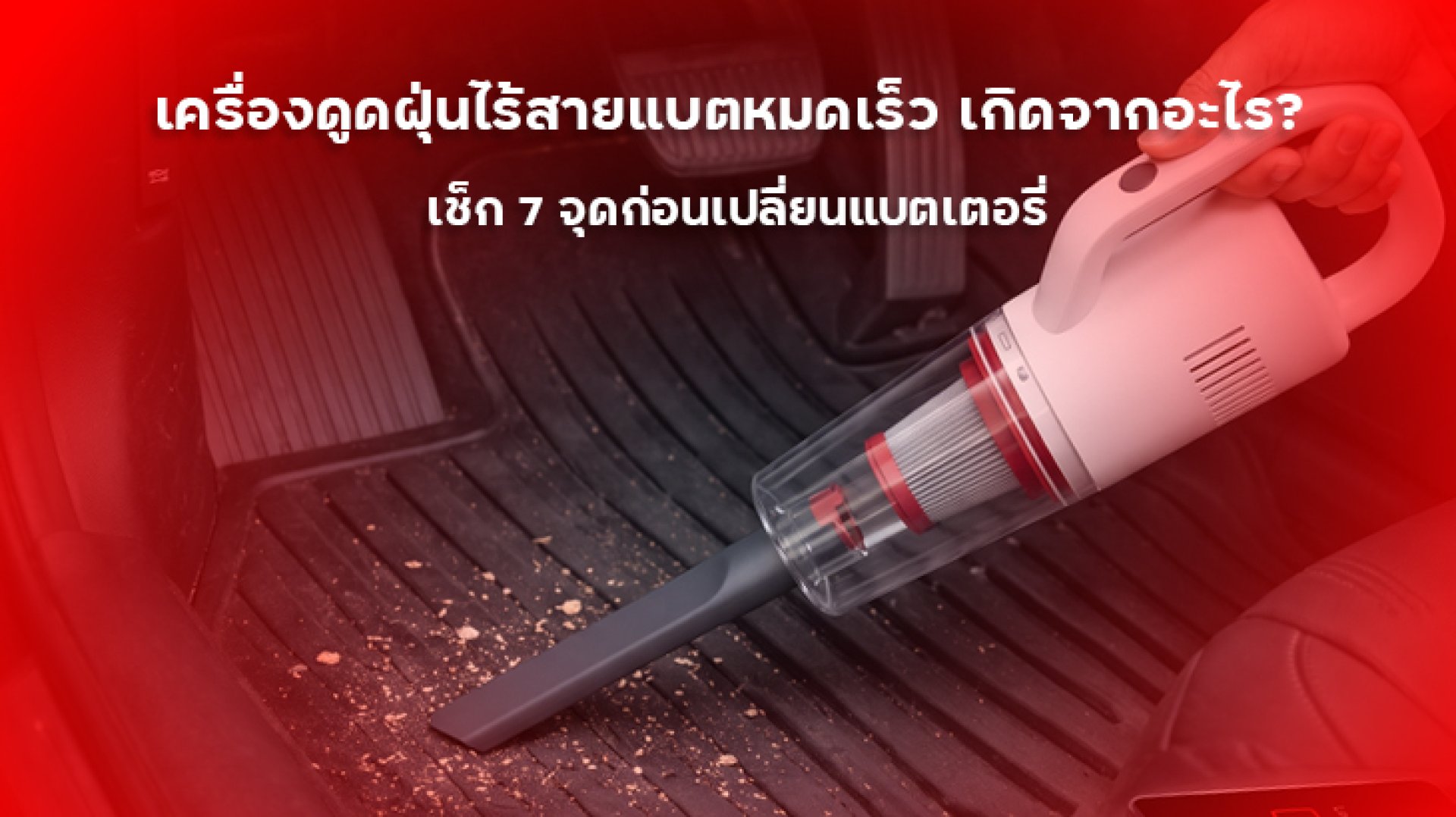
Is your cordless vacuum battery draining fast even though you have just charged it fully? If your vacuum used to clean your home without interruption but now runs for only a few minutes before needing another charge, you may start wondering whether the battery has reached the end of its life.
However, before buying a replacement battery, it is worth checking a few things first. A cordless vacuum battery draining fast does not necessarily mean the battery is faulty. The problem could be caused by using a high-power suction mode, a clogged filter, tangled hair around the brush roll, or restricted airflow. These issues can affect the vacuum's performance and overall operation.
This guide explains seven common causes, how to check each one, and when it may actually be time to replace the battery.
Is It Normal for a Cordless Vacuum Battery to Drain Quickly?
First, it is important to understand that cordless vacuum cleaners have different battery runtimes. Actual operating time depends on battery capacity, motor power, the type of cleaning head, and the selected suction mode.
For example, if a manufacturer advertises a maximum runtime of 60 minutes, that figure may be based on Eco mode or specific testing conditions. It does not necessarily mean the vacuum can run for 60 minutes at maximum suction power.
Therefore, if your cordless vacuum battery is draining fast, check which operating mode you are using and compare the current runtime with its previous performance under similar conditions.
7 Reasons Why Your Cordless Vacuum Battery Is Draining Fast
1. You Frequently Use Turbo or Maximum Suction Mode
One of the first things to check is whether you regularly use Turbo or Max mode. These modes are designed to provide stronger suction for stubborn dirt, embedded dust, and more demanding cleaning tasks. However, they also consume more power than standard operating modes.
When the motor runs at a higher power level, the battery needs to deliver more energy. As a result, the vacuum's runtime becomes noticeably shorter.
How to fix it:
- Use Eco or Standard mode for everyday floor cleaning.
- Switch to Turbo or Max mode only when necessary.
- Compare runtime using the same operating mode.
- Check that the suction mode has not been accidentally set to maximum.
If the vacuum runs significantly longer after switching to a standard mode, the shorter runtime may be related to power consumption rather than battery degradation.
2. A Clogged Filter Restricts Airflow
The filter is an essential part of a cordless vacuum because it traps dust and other particles as air passes through the system. When too much dirt accumulates, airflow may become restricted, reducing cleaning performance and affecting how the vacuum operates.
Some models have a warning system that alerts users when the filter or airflow path needs attention. However, if the filter remains dirty, the vacuum may not perform as efficiently as intended.
How to fix it:
- Remove the filter and inspect it according to the user manual.
- Clean or replace the filter as recommended by the manufacturer.
- If the filter is washable, allow it to dry completely before reinstalling it.
- Make sure the filter is correctly installed before using the vacuum again.
Keep in mind that not all vacuum filters are washable. Cleaning the wrong type of filter with water may damage its material and reduce its filtration performance. Always check the instructions for your specific model.
3. Hair or Debris Is Tangled Around the Brush Roll
The brush roll does more than sweep dirt into the suction opening. It also plays an important role in picking up dust, hair, and debris from different floor surfaces. When long hair, pet fur, or threads become tangled around the brush roll, its movement may become restricted.
This can place additional strain on the brush mechanism. Some models may also stop the brush motor automatically to help prevent damage.
How to fix it:
- Turn off the vacuum and remove the cleaning head before inspection.
- Check whether hair or threads are wrapped around the brush roll.
- Remove tangled debris according to the manufacturer's instructions.
- Make sure the brush roll can rotate properly before reinstalling it.
If the brush roll still feels stiff or makes unusual noises after cleaning, the cleaning head may require further inspection.
4. The Air Path, Extension Tube, or Suction Opening Is Blocked
Another area worth checking is the vacuum's airflow path. This includes the suction opening, extension tube, and connections between the main unit and cleaning head.
Large dust clumps, pieces of paper, or other debris can become trapped inside these areas and restrict airflow. The vacuum may then lose suction or display a warning, depending on the model.
How to fix it:
- Turn off the vacuum before checking any components.
- Remove the extension tube and cleaning head according to the manual.
- Inspect the airflow path for visible blockages.
- Remove foreign objects without using sharp tools that could damage internal parts.
- Reassemble all components securely before testing the vacuum.
If your cordless vacuum battery is draining fast and suction performance has also decreased, check the airflow path together with the filter and brush roll.
5. You Are Cleaning Surfaces That Require More Suction Power
The type of surface and the amount of dirt being cleaned can also affect battery runtime. Thick carpets, large amounts of hair, and deeply embedded dirt may require stronger suction or a specialized cleaning head.
If you use maximum suction for every cleaning task, the battery may run out much sooner than expected.
How to improve runtime:
- Choose a cleaning head suitable for the floor type.
- Use a lower suction mode for hard floors and light dust.
- Reserve high-power modes for areas that genuinely need extra suction.
- Clean larger areas in sections if maximum suction is necessary.
Choosing the right cleaning mode and attachment can help reduce unnecessary power consumption without compromising everyday cleaning performance.
6. The Battery Has Degraded Over Time
If you have checked the other components but your cordless vacuum battery is still draining fast, battery degradation may be the cause. Most cordless vacuums use rechargeable lithium-ion batteries, which gradually lose some of their ability to hold energy as they go through charging and usage cycles.
Common signs of battery degradation include:
- The vacuum runs for significantly less time than when it was new.
- The battery percentage drops unusually quickly, even in the same operating mode.
- The vacuum switches off unexpectedly while the battery indicator still shows some charge.
- Runtime continues to decrease over time.
If you notice these symptoms, check the battery specifications and warranty conditions before considering a replacement. This is especially important for models with removable batteries.
7. The Charging System or Charging Dock Is Not Working Properly
Sometimes, the problem is not the battery itself but the charging system. Dirty charging contacts, a damaged cable, an incompatible power adapter, or an improperly connected charging dock may prevent the battery from charging as expected.
This can make it appear that the battery is fully charged when it has not actually reached its normal charging level.
How to check it:
- Check the charging indicator according to the user manual.
- Inspect the charging cable and power adapter for visible damage.
- Use the charging equipment recommended by the manufacturer.
- Check the charging contacts and dock for dust or debris.
- Allow the battery to complete its charging cycle until the correct full-charge status appears.
If the charging cable or adapter is damaged, stop using it. Replace it with an accessory that meets the manufacturer's specifications.
How to Check Whether Your Cordless Vacuum Battery Is Actually Degraded
After checking all seven possible causes, the next step is to evaluate whether the battery itself has lost capacity. A simple way to do this is to compare the vacuum's runtime under consistent conditions.
- Fully charge the battery: Wait until the vacuum displays the full-charge status specified in the manual.
- Clean the vacuum: Check the filter, brush roll, and airflow path to make sure they are clear.
- Select the same operating mode: Use Eco or Standard mode for a consistent comparison.
- Measure the runtime: Record how long the vacuum operates before the battery level drops or the unit stops.
- Compare the result: Check the runtime against the manufacturer's specifications for the same operating mode.
This test can help identify a noticeable change in performance. However, it is not a direct measurement of battery health because results can still vary depending on the cleaning head, floor surface, and operating conditions.
When Should You Replace a Cordless Vacuum Battery?
Battery replacement should be considered when there is evidence that the battery can no longer hold enough energy and other possible causes have already been checked. A shorter runtime on its own is not always enough reason to replace it.
Consider contacting the manufacturer or an authorized service center if:
- Runtime has decreased significantly compared with when the vacuum was new.
- The battery is fully charged but the vacuum switches off much earlier than expected.
- The vacuum repeatedly shuts down or displays unusual battery indicators.
- The filter, brush roll, and airflow path have been checked and are not blocked.
- The charging system works normally, but runtime remains unusually short.
If the battery appears swollen, becomes unusually hot, produces an unusual smell, or shows visible damage, stop using the vacuum. Disconnect it from the charger if this can be done safely. Do not open, puncture, or attempt to repair the battery yourself. Have it inspected by a qualified professional.
Before purchasing a replacement, check whether your model has a removable battery and confirm the correct model number and voltage specifications. Batteries that look similar may not be compatible.
How to Maintain Your Cordless Vacuum Battery for Longer Use
Although battery degradation is a natural process, proper maintenance can reduce unnecessary strain on the battery and help the vacuum operate as intended.
- Choose the right suction mode: Avoid using Turbo mode for every cleaning task.
- Maintain the filter: Clean or replace it according to the manufacturer's recommended schedule.
- Inspect the brush roll: Remove tangled hair and debris regularly.
- Avoid excessive heat: Do not store or charge the vacuum in extremely hot environments.
- Use compatible charging equipment: Follow the manufacturer's cable and adapter recommendations.
- Store the vacuum correctly: If you will not use it for an extended period, follow the manufacturer's battery storage guidance.
Do not focus only on the advertised maximum runtime. Keeping the filter, brush roll, and airflow path clean is also important because these components affect how efficiently the vacuum operates.
Conclusion: Check These 7 Points Before Replacing Your Cordless Vacuum Battery
If your cordless vacuum battery is draining fast, the cause could be high suction settings, a clogged filter, a tangled brush roll, restricted airflow, demanding cleaning surfaces, or a charging system issue. Battery degradation is another possibility, especially after extended use.
Before purchasing a new battery, inspect and clean the vacuum's components, then test its runtime under consistent conditions. If the runtime remains unusually short, contact the manufacturer's service center for a battery assessment.
Remember, a cordless vacuum battery draining fast does not always mean the battery is faulty. Sometimes, the problem is simply a small component that needs cleaning or maintenance.
Frequently Asked Questions About Cordless Vacuum Batteries Draining Fast
1. Why does my cordless vacuum battery drain quickly even when fully charged?
Possible causes include using maximum suction mode, a clogged filter, a tangled brush roll, restricted airflow, or battery degradation. Check the vacuum's components before assuming the battery is faulty.
2. How many minutes should a cordless vacuum run?
Runtime depends on the model, battery capacity, and operating mode. The maximum runtime advertised by the manufacturer may be measured in Eco mode, so compare performance using the same mode.
3. Does using Turbo mode make the battery drain faster?
Yes. Turbo or Max mode generally requires more motor power than standard modes, which increases energy consumption and reduces runtime per charge.
4. Can a dirty filter make a cordless vacuum battery drain faster?
A clogged filter can restrict airflow and affect the vacuum's operating performance. Clean or replace the filter according to the manufacturer's instructions.
5. When should I replace my cordless vacuum battery?
Consider replacing the battery when runtime has decreased significantly after other possible issues have been ruled out and a professional assessment confirms battery degradation. Always choose a battery compatible with your specific vacuum model.