Bluetooth Earbuds Fully Charged but Battery Drains Fast: 7 Causes and Fixes
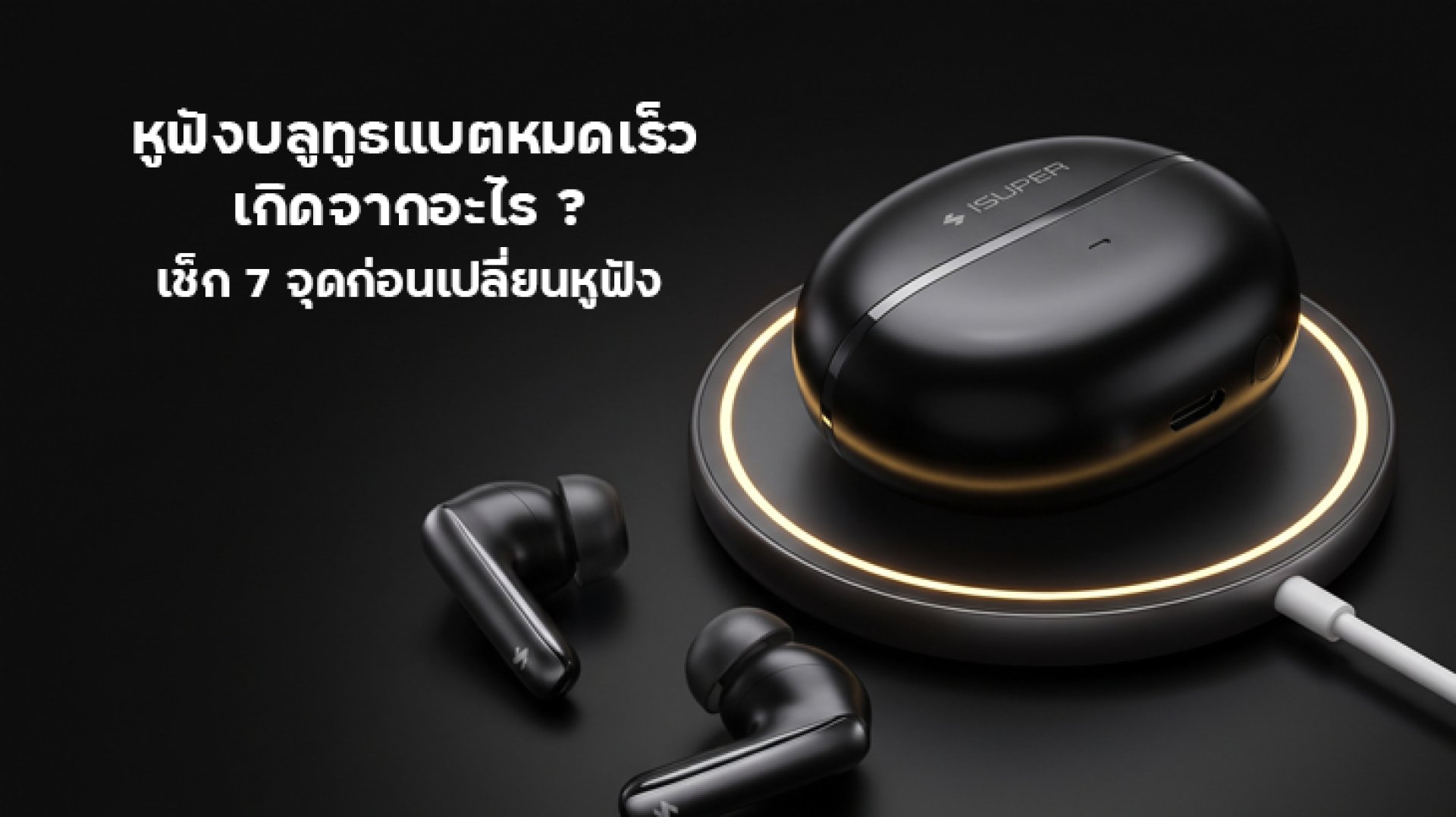
Bluetooth earbuds battery drains fast even after a full charge? You put your earbuds in the charging case, wait until the battery indicator shows 100%, and expect them to last for hours. But after a short listening session, the battery is already low. This can be frustrating, especially when you use your earbuds for music, online meetings, gaming, or commuting.
The good news is that a Bluetooth earbuds battery drains fast problem does not always mean the battery is damaged. Active Noise Cancellation (ANC), high volume, frequent voice calls, unstable Bluetooth connections, charging contact issues, and outdated firmware can all affect battery life. Battery capacity can also decrease as the earbuds age.
In this guide, we will explain seven common causes, how to check them, and when it may be time to contact the manufacturer or consider a replacement.
Why Does the Battery in Bluetooth Earbuds Drain So Fast?
Before troubleshooting, remember that advertised battery life is usually measured under specific test conditions. Actual playback time can vary depending on the model, volume level, audio features, connection quality, and whether you are listening to music or making calls.
For example, earbuds with ANC enabled may not last as long as they do in standard listening mode. Voice calls can also use more power than ordinary music playback. Therefore, the first step is to compare your actual usage with the manufacturer's stated battery life under similar conditions.
If your Bluetooth earbuds battery drains fast even during light use, or the playback time has become noticeably shorter than when the earbuds were new, the following checks can help identify the cause.
7 Reasons Bluetooth Earbuds Battery Drains Fast
1. Active Noise Cancellation Uses Additional Power
Active Noise Cancellation, or ANC, uses microphones and electronic processing to reduce unwanted background noise. Depending on the earbuds, ANC and Transparency Mode can increase power consumption compared with standard listening mode.
If you keep ANC enabled throughout the day, your earbuds may run out of power sooner than the advertised figure for a different listening mode. This does not necessarily indicate a fault.
How to check:
- Turn off ANC when you do not need noise reduction.
- Compare battery life in ANC mode and standard mode under similar listening conditions.
- Disable additional audio features when they are unnecessary.
If playback time improves significantly with ANC disabled, the difference may be related to normal power consumption rather than a damaged battery.
2. High Volume and Frequent Calls Consume More Battery
Listening at high volume can affect battery life. Voice calls may consume even more power because the earbuds must operate microphones and process two-way audio. Features such as background noise reduction during calls may add to the workload.
This is why earbuds used mainly for long meetings or phone calls may not last as long as expected from their music-playback specifications.
How to check:
- Reduce the volume to a comfortable listening level.
- Test battery life during music playback rather than a long voice call.
- Compare the results with the manufacturer's stated test conditions.
Keeping the volume at a reasonable level can also help protect your hearing. You do not need to turn the volume up excessively to test battery performance.
3. The Earbuds May Not Be Fully Charged
Sometimes, the battery indicator appears to show a full charge, but the earbuds have not charged properly. Dust, skin oils, or other residue on the charging contacts can interfere with the connection between the earbuds and the charging case.
Another possibility is that an earbud is not seated correctly inside the case. If it does not make proper contact with the charging pins, it may remain partially charged even when the case itself has power.
How to check:
- Place both earbuds securely inside the charging case.
- Check the charging indicator to confirm that each earbud is charging.
- Inspect the charging contacts for visible dirt or residue.
- Clean the contacts gently with a soft, dry cloth, following the manufacturer's instructions.
- Make sure the case has sufficient battery power.
Avoid using water or other liquids on charging contacts unless the manufacturer specifically permits them. After checking the connection, charge the earbuds fully and test their playback time again.
4. The Earbuds Stay Active Outside the Charging Case
Some wireless earbuds continue consuming power when they are outside the charging case, even if you are not listening to anything. Depending on the model, sensors, microphones, or other functions may remain active while the earbuds are idle.
If you leave your earbuds on a desk or in a bag instead of returning them to the case, the battery may continue to decrease. If the earbuds do not disconnect from your phone after being placed in the case, a charging-contact or connection issue may also be involved.
How to check:
- Return the earbuds to the charging case whenever you finish using them.
- Make sure both earbuds are seated correctly and the case is closed.
- Check whether the Bluetooth connection disconnects as expected.
- If the earbuds remain connected while inside the case, inspect the charging contacts and consult the model's troubleshooting guide.
Correct storage habits can reduce unnecessary battery consumption and help you distinguish normal idle power use from a potential charging problem.
5. Unstable Bluetooth Connections Can Affect Battery Life
Bluetooth interference may occur in crowded public areas, transit stations, or environments with many wireless devices. Obstacles between your phone and earbuds can also affect connection quality. Depending on the device, repeated reconnections or unstable communication may increase power consumption.
If your earbuds lose connection frequently, pause audio unexpectedly, or repeatedly reconnect while you move around, the problem may involve the wireless connection rather than the battery alone.
How to check:
- Test the earbuds near your phone in a familiar environment.
- Keep the phone within the recommended Bluetooth range.
- Disconnect unused devices if your earbuds support multipoint connections and appear to be switching between devices unnecessarily.
- Check whether the connection becomes more stable after moving away from sources of interference.
If battery life improves when the connection is stable, the surrounding environment or connection behavior may be contributing to the problem.
6. Outdated Firmware or Software May Affect Battery Performance
Wireless earbuds often rely on firmware to manage Bluetooth connections, audio processing, battery reporting, and other functions. A software issue may sometimes contribute to unusual battery behavior or inaccurate battery-level readings.
How to check:
- Open the official companion app for your earbuds, if available.
- Check whether a firmware update is available.
- Install updates according to the manufacturer's instructions.
- If the issue continues, follow the manufacturer's recommended reset procedure.
Keep in mind that resetting earbuds may remove existing pairing information or customized settings. Check the instructions for your specific model before resetting. Firmware updates and resets are troubleshooting steps, not guaranteed fixes for a worn battery.
7. The Battery May Have Lost Capacity Over Time
Rechargeable batteries gradually lose capacity through normal use and aging. As a result, older earbuds may provide less playback time after a full charge than they did when they were new.
If your earbuds once lasted several hours but now run out of power much sooner, even with ANC disabled, moderate volume, a stable Bluetooth connection, and correct charging, battery aging may be a possible explanation.
Other warning signs include a sudden and substantial reduction in playback time, repeated unexpected shutdowns, or battery readings that change unusually quickly. These symptoms do not prove that the battery has failed, but they are reasons to investigate further.
What should you do?
- Compare the current playback time with the manufacturer's specifications for your exact model.
- Test the earbuds after a confirmed full charge under consistent conditions.
- Check the warranty and available service options.
- Ask the manufacturer whether battery service or earbud replacement is available.
Many compact wireless earbuds have built-in batteries that are not designed for user replacement. Avoid opening the earbuds yourself, as doing so may damage the device or create a battery safety risk.
How to Test Whether Your Earbuds Really Have a Battery Problem
If you are unsure whether the battery is deteriorating, use a simple, consistent test instead of judging it from a single listening session. The goal is to reduce variables that can affect battery consumption.
- Charge the earbuds fully: Confirm that both earbuds have finished charging according to the indicator or companion app.
- Choose a consistent listening mode: For example, use standard mode with ANC disabled if your model supports it.
- Keep the volume comfortable and consistent: Avoid frequently changing the volume during the test.
- Play audio under stable conditions: Keep the phone nearby and avoid unnecessary calls or switching between devices.
- Record the playback time: Note when you start and when the earbuds report a low battery or shut down.
- Compare the result with the specifications: Use the manufacturer's stated test conditions as a reference rather than expecting every usage scenario to produce identical results.
If the earbuds still deliver significantly less playback time than expected after these checks, contact the manufacturer's support team. This test can help identify a pattern, although it cannot measure the battery's exact remaining capacity.
How to Make Bluetooth Earbuds Battery Last Longer
Even if the battery is still healthy, a few practical habits can help extend playback time between charges.
- Use ANC only when needed: Switch to standard mode in quieter environments if your model supports it.
- Keep the volume at a comfortable level: High volume can increase power consumption.
- Return the earbuds to the case: Store them correctly when not in use.
- Keep charging contacts clean: Follow the manufacturer's maintenance instructions.
- Update the firmware: Install official updates when appropriate.
- Avoid extreme temperatures: Use and store the earbuds within the manufacturer's recommended temperature range.
- Charge regularly during long periods of storage: Follow the manufacturer's battery-care guidance rather than leaving the earbuds discharged for an extended period.
Battery life depends on the earbuds' design, age, settings, and usage patterns. These habits can improve everyday performance, but they cannot restore capacity already lost through battery aging.
Frequently Asked Questions About Bluetooth Earbuds Battery Draining Fast
1. Why do my Bluetooth earbuds show 100% but die quickly?
The battery indicator may not reflect the full situation. The earbuds may not have charged properly, power-intensive features may be enabled, or the battery may have lost capacity. Confirm that both earbuds are charging correctly and test them under consistent listening conditions.
2. Is it normal for earbuds to lose battery quickly when using ANC?
ANC can increase power consumption, so playback time may be shorter with noise cancellation enabled than in standard mode. Compare both modes under similar conditions to see how much the feature affects your specific earbuds.
3. Can I leave my Bluetooth earbuds outside the charging case?
You can, but some models continue consuming power while idle outside the case. Returning the earbuds to the case when not in use helps reduce unnecessary battery drain and allows them to charge when the case has sufficient power.
4. Will resetting my earbuds fix fast battery drain?
A reset may help if the problem is related to software or unusual device behavior, but it will not restore capacity lost through battery aging. Follow the manufacturer's reset instructions and check battery performance afterward.
5. When should I replace my earbuds?
Consider professional inspection or replacement options if playback time remains substantially below expectations after checking charging, settings, firmware, and connectivity. Compare the available service cost, warranty coverage, and replacement options before deciding.
Conclusion: Check Charging, Settings, and Battery Health First
If your Bluetooth earbuds battery drains fast despite showing a full charge, start by checking whether both earbuds are charging correctly. Then review ANC, volume, call usage, Bluetooth stability, and firmware. These factors can shorten playback time without necessarily indicating a damaged battery.
If the playback time remains unusually short after testing under consistent conditions, battery aging or a hardware problem may be responsible. Check the warranty and contact the manufacturer before attempting any internal repair. A methodical check can help you identify the likely cause and avoid replacing otherwise functional earbuds unnecessarily.
References
- HUAWEI Support: The Battery of My Earbuds or Charging Case Drains Quickly Guidance on ANC, volume, temperature, charging, and battery aging.
- Nothing Support: Why Is the Battery Draining So Quickly? Information about audio settings, ANC, calls, firmware, and troubleshooting.
- Sony Support: Solving Persistent Bluetooth Connection or Battery Drain While Earbuds Are in the Charging Case Charging contacts, case fit, and connection-related battery drain.
- Apple Support: AirPods Service and Repair Official service options for AirPods.