Does a Dash Cam Need to Be Hardwired for Parking Mode? How Does It Work?
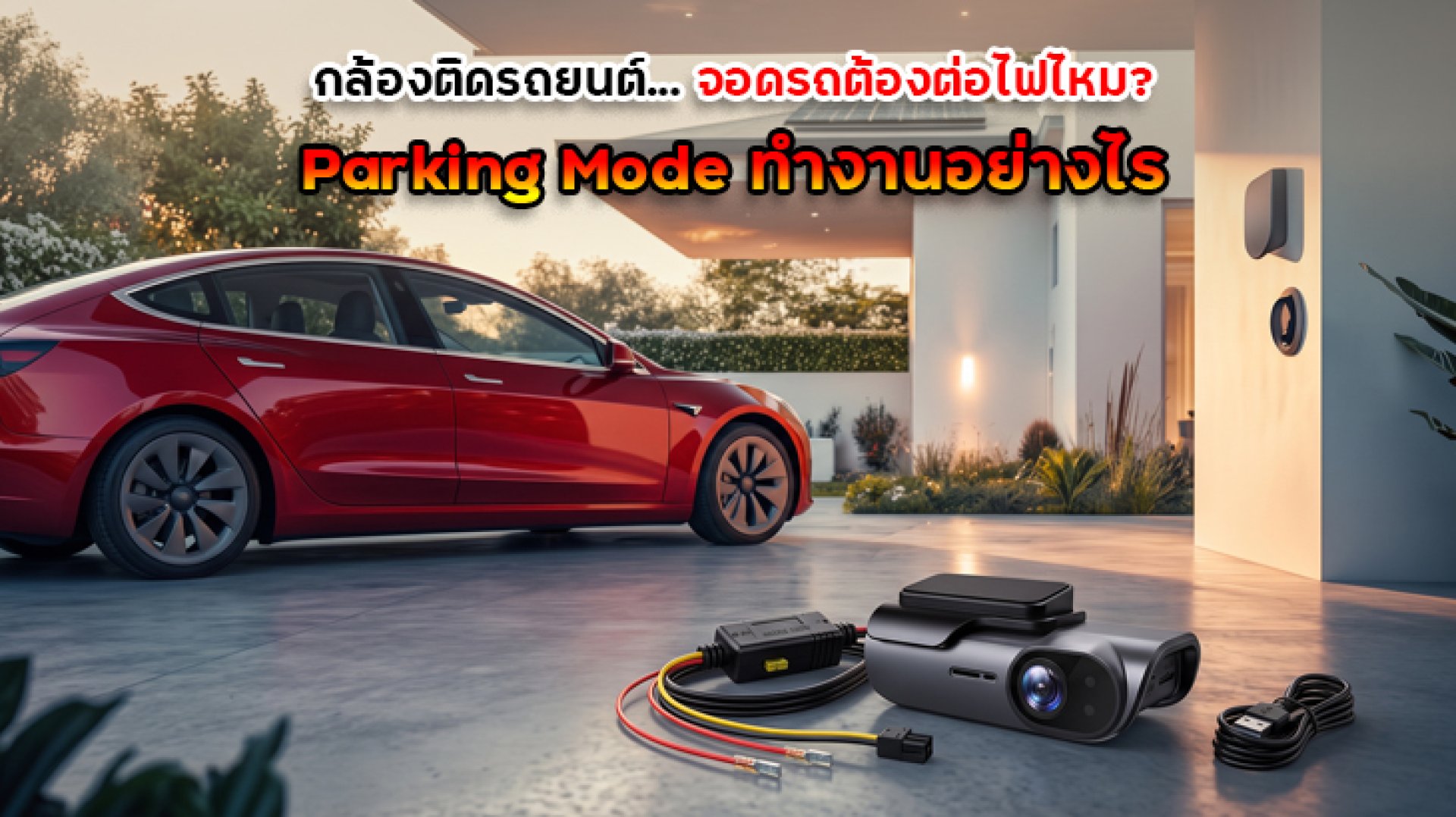
Have you ever parked your car, walked away, and wondered whether your dash cam could still record if someone hit your vehicle or damaged it while you were away? This is where Dash Cam Parking Mode becomes useful.
But does a dash cam need to be hardwired to work while the car is parked? The answer is not always. Some dash cams can use a compatible hardwire kit, a dedicated external battery pack, or another supported constant-power solution. However, simply plugging a dash cam into the car's power socket may not be enough if that socket turns off with the ignition.
In this guide, we explain how Parking Mode works, how it receives power, what happens to your car battery, and what to check before choosing a dash cam for parking surveillance.
Does a Dash Cam Need to Be Hardwired for Parking Mode?
Not necessarily, but the dash cam needs a suitable power source while the engine is off. Hardwiring is a common way to enable Parking Mode, but compatible external battery packs and other manufacturer-approved power solutions may also work.
| Power Source | Can It Support Parking Mode? | What to Know |
|---|---|---|
| Standard 12V car power socket | Depends on the vehicle and camera | Many sockets switch off with the ignition, so recording may stop when you park |
| Hardwire kit | Yes, with a compatible dash cam and correct installation | Can provide continuous power and automatic switching between driving and parking modes |
| Dedicated dash cam battery pack | Yes, if compatible | Provides a separate power source for recording while parked |
| USB or OBD power solution | Depends on the product | Must provide the required continuous power and support Parking Mode activation where necessary |
The most important point is to check both the dash cam's capabilities and the power connection. A model may advertise Parking Mode, but you may still need to purchase a compatible hardwire kit or battery pack separately.
What Is Dash Cam Parking Mode?
Parking Mode is a recording function that allows a compatible dash cam to monitor activity around a parked vehicle. Depending on the model and selected settings, the camera may record continuously at a reduced rate, detect movement, or begin recording when it detects an impact.
This can be useful when your car is parked in a public parking lot, condominium car park, office parking area, or driveway.
Common Parking Mode recording options include the following.
1. Motion Detection
The dash cam monitors for movement within its detection range and starts recording when activity is detected. This can help capture events around the vehicle while reducing the amount of footage stored compared with continuous recording, depending on the camera and its settings.
2. Impact Detection
The camera uses an impact sensor, commonly called a G-sensor, to detect sudden movement or a physical shock. Depending on the model, it may save an event recording when the vehicle is bumped or struck.
However, sensitivity settings matter. If the sensitivity is too low, some impacts may not trigger recording. If it is too high, ordinary vibrations may create unnecessary event files.
3. Time-Lapse Recording
Time-lapse Parking Mode records frames at intervals to create a condensed video of activity over a longer period. This can reduce storage requirements compared with recording every frame continuously, although actual power consumption varies by camera model and configuration.
4. Low-Bitrate Continuous Recording
Some dash cams offer a low-bitrate mode that continuously records at a lower data rate while the vehicle is parked. This can preserve more continuous coverage than event-only recording, but storage use and power consumption still depend on the settings and camera design.
Not every dash cam supports all four options, so check the specifications before buying.
How Does Parking Mode Work?
When a compatible dash cam is installed with a suitable power solution, it can automatically switch between normal recording and Parking Mode.
- While driving: The dash cam records normally when the vehicle is running.
- When the ignition is switched off: A compatible hardwire kit detects the change in ignition status and signals the dash cam to enter Parking Mode.
- While parked: The dash cam uses its configured parking recording method, such as motion detection, impact detection, time-lapse, or low-bitrate recording.
- When driving resumes: The camera switches back to normal recording when the ignition status changes again.
- When a power limit is reached: A compatible hardwire kit may cut off power when the battery reaches its configured low-voltage threshold. A parking timer may also stop recording after a preset period if supported.
For this process to work correctly, the dash cam must support Parking Mode, the feature must be enabled in its settings, and the power system must be installed and configured correctly.
What Is a Dash Cam Hardwire Kit?
A dash cam hardwire kit is a power cable system designed to connect a compatible dash cam to the vehicle's electrical system. Unlike a basic power cable, a suitable hardwire kit can provide power while the ignition is off and detect ignition status so the camera can change recording modes automatically.
Some kits also include low-voltage protection to stop supplying power when the vehicle battery reaches a specified threshold.
Many hardwire systems use three connections:
- Constant power: Provides power when the ignition is off.
- ACC or ignition detection: Signals whether the vehicle is running or switched off.
- Ground: Provides the required electrical ground connection.
The exact wiring arrangement varies by kit and vehicle. Because incorrect connections can affect vehicle electrical systems, professional installation is recommended if you are unfamiliar with automotive wiring.
Will Parking Mode Drain the Car Battery?
Yes, Parking Mode can consume power from the vehicle battery. How much power it uses depends on the dash cam, recording mode, number of cameras, temperature, parking duration, and power-management settings.
A compatible hardwire kit with low-voltage protection can reduce the risk of excessive battery discharge by cutting power when the battery reaches its configured threshold. However, this does not guarantee that the vehicle will always start after a long parking period.
Battery condition also matters. An older or weak battery may have less reserve capacity than a healthy battery, so the same Parking Mode setup may affect different vehicles differently.
To manage battery use:
- Choose a compatible hardwire kit with low-voltage protection.
- Use a parking timer if the camera supports it.
- Choose a recording mode that balances coverage, storage, and power consumption.
- Consider a dedicated dash cam battery pack if you need extended parking surveillance.
- Check the vehicle and camera manuals for battery and installation recommendations.
Should You Use a Dedicated Dash Cam Battery Pack?
A dedicated dash cam battery pack is an alternative to drawing parking-mode power directly from the vehicle's starter battery. The pack supplies the camera while the vehicle is parked and is typically recharged while driving through a compatible charging connection.
This option may be worth considering if you regularly leave your vehicle parked for long periods or want to reduce the dash cam's direct power draw from the starter battery.
Before choosing one, check:
- Compatibility with your dash cam and power cable.
- Available capacity and expected recording time.
- Charging time and charging method.
- Battery safety and operating temperature requirements.
- Whether professional installation is needed.
Actual recording time varies according to camera power consumption, battery capacity, temperature, and the recording mode selected.
How to Choose a Dash Cam with Parking Mode
If you want a dash cam that can monitor your vehicle while parked, check more than just the resolution or whether the product description mentions Parking Mode.
- Parking Mode support: Confirm that the exact model supports parking recording.
- Power requirements: Check whether you need a hardwire kit, dedicated battery pack, or another compatible accessory.
- Low-voltage protection: Look for an appropriate battery-protection feature when using vehicle power.
- Recording options: Compare motion detection, impact detection, time-lapse, and low-bitrate recording where available.
- Front and rear coverage: Consider whether you need to monitor only the front or both the front and rear of the vehicle.
- Storage capacity: Check supported memory cards and how much footage your chosen recording mode will use.
- Installation: Make sure the power connection is suitable for your vehicle and can be installed safely.
Why Is Parking Mode Not Working?
If your dash cam switches off as soon as you park, or fails to record while the vehicle is unattended, several factors may be responsible.
- Parking Mode is disabled: Check the camera settings and enable the feature if supported.
- The power socket switches off: Your car's 12V socket or USB port may stop supplying power when the ignition is off.
- The power accessory is incompatible: Some cables provide power but do not support the ignition detection needed for automatic mode switching.
- The wiring is incorrect: A hardwire kit must be installed according to the manufacturer's instructions.
- The battery protection has activated: The kit may have cut power because the battery reached its low-voltage threshold.
- The parking timer has expired: Some cameras stop recording after the configured time limit.
- The memory card has a problem: An unsupported, faulty, or worn-out card may interfere with recording.
Check the user manual and installation instructions before troubleshooting electrical connections. If the issue involves vehicle wiring, consult a qualified installer.
Conclusion: Does a Dash Cam Need to Be Hardwired for Parking Mode?
A dash cam does not always need to be hardwired to support Parking Mode, but it does need a compatible power source that remains available after the vehicle is switched off. A hardwire kit is a common solution, while a dedicated dash cam battery pack may be a suitable alternative.
Before buying, confirm that the camera supports Parking Mode, understand which accessories are required, and check how the system manages power consumption. Low-voltage protection and parking timers can help reduce battery-drain risks, but they cannot guarantee that every vehicle will start after extended parking.
The best setup is one that provides the level of parking surveillance you need while remaining compatible with your vehicle and its electrical system.
Frequently Asked Questions
Does a dash cam need to be hardwired for Parking Mode?
Not always. A compatible hardwire kit is a common option, but a dedicated dash cam battery pack or another supported constant-power solution may also work.
Will a dash cam record when the car is turned off?
Yes, if the dash cam supports Parking Mode and receives power while the ignition is off. A standard power socket may switch off with the ignition, so check your vehicle and camera requirements.
Does Parking Mode drain the car battery?
Parking Mode consumes power. A compatible low-voltage protection system can cut power when the battery reaches a configured threshold, but the remaining starting capacity depends on the battery's condition and other factors.
Can I use a separate battery pack for Parking Mode?
Yes, if the battery pack is designed for dash cams and is compatible with your camera and power setup. Recording time depends on battery capacity and camera power consumption.
What is the difference between motion detection and impact detection?
Motion detection responds to movement within the camera's detection range, while impact detection uses a sensor to identify sudden movement or shocks. The available functions and sensitivity vary by model.
References
- VIOFO Support How Parking Mode Works: https://support.viofo.com/support/solutions/articles/19000127941-can-i-turn-on-off-parking-mode-manually-how-does-parking-mode-work-
- VIOFO Everything You Need to Know About Parking Mode: https://www.viofo.com/blogs/viofo-car-dash-camera-guide-faq-and-news/everything-you-need-to-know-about-parking-mode
- VIOFO Support Low-Voltage Protection Settings: https://support.viofo.com/support/solutions/articles/19000112185-what-protection-voltage-do-i-choose-for-hardwire-kit-
- VIOFO Hardwire Kit Installation Guide: https://www.viofo.com/blogs/viofo-car-dash-camera-guide-faq-and-news/how-to-install-the-hardwire-kit-a-step-by-step-guide