One Bluetooth Earbud Not Charging? How to Fix It Even When the Case Has Battery
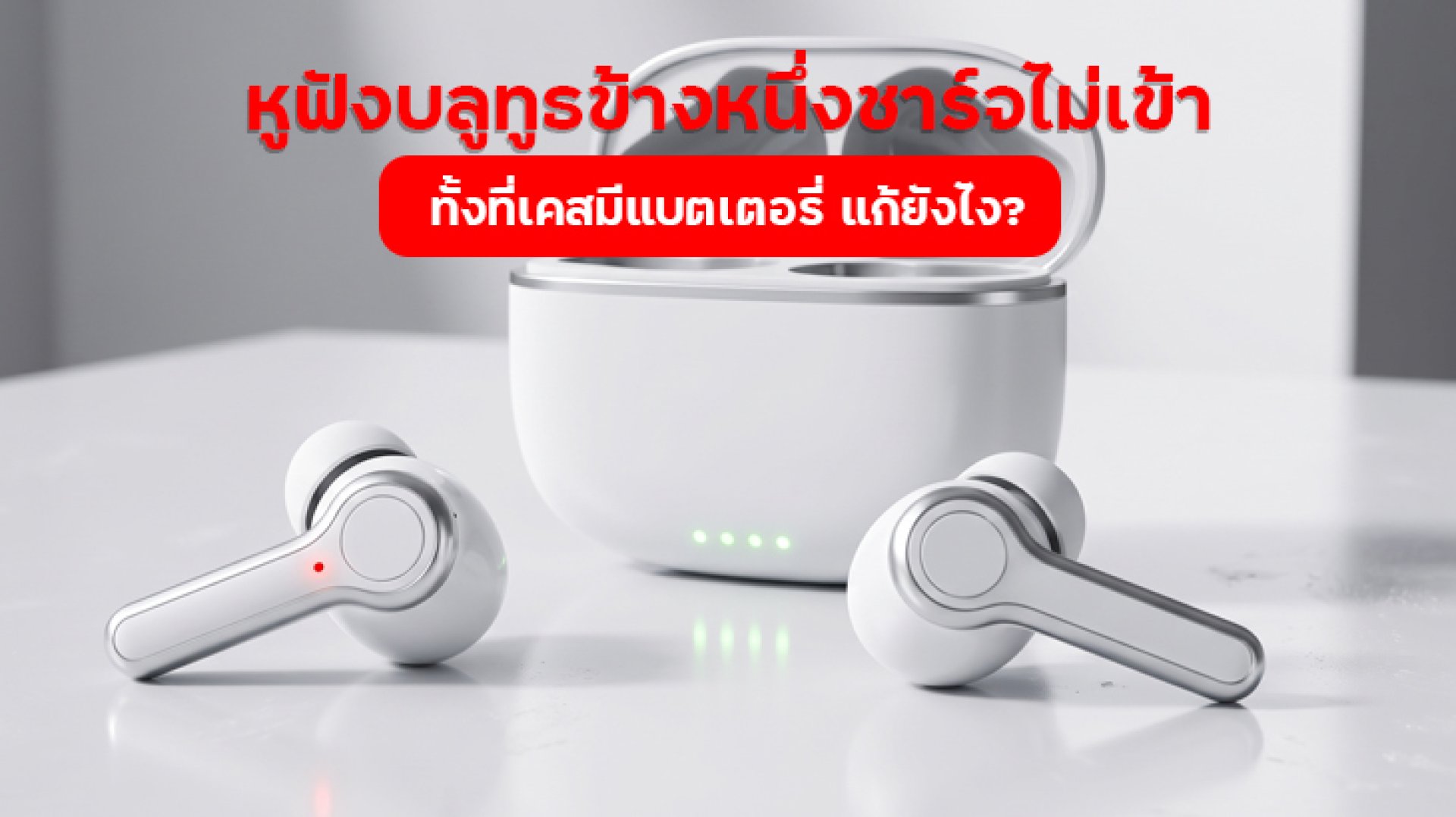
Is one Bluetooth earbud not charging even though the charging case still has battery? If the other earbud works normally, it can be frustrating to discover that only one side refuses to charge. However, this does not automatically mean that the earbud is broken. The problem could be caused by dirty charging contacts, incorrect positioning inside the case, an incompatible ear tip, or an issue with the charging case itself.
Before buying a replacement pair, check the most common causes first. In many cases, one Bluetooth earbud not charging can be resolved by cleaning the contacts or repositioning the earbud correctly. This guide covers seven possible causes, practical troubleshooting steps, and warning signs that indicate when professional inspection may be necessary.
Why Is One Bluetooth Earbud Not Charging Even When the Case Has Battery?
True Wireless Stereo (TWS) earbuds have separate charging connections for the left and right earbuds. Inside the charging case, each slot contains contact points designed to transfer power to its corresponding earbud. For charging to work, the contacts on the earbud and the case must align and connect properly.
If dust, earwax, or other debris blocks these contacts, or if the earbud is not seated correctly, charging may not start. This can happen even when the case has enough battery to charge both earbuds.
In other words, having battery power in the case does not guarantee that both earbuds are receiving power. The issue may involve the contact points, the earbud itself, or the charging circuit inside the case. Here are seven common causes to investigate.
7 Reasons Why One Bluetooth Earbud Is Not Charging
1. Dirty or Blocked Charging Contacts
One of the first things to check when one Bluetooth earbud is not charging is the condition of its charging contacts. Wireless earbuds are exposed to earwax, skin oils, sweat, and dust during everyday use. Over time, these substances can accumulate around the metal contacts and interfere with the electrical connection.
How to check and fix it:
- Remove the earbuds from the charging case.
- Inspect the metal charging contacts on the affected earbud.
- Check the corresponding contact points inside the case.
- Gently wipe visible dirt with a clean, dry, soft cloth or dry cotton swab.
- Make sure everything is completely dry before placing the earbud back in the case.
Avoid pouring or spraying cleaning liquids directly onto the contacts. Do not scrape them with sharp objects, as this may damage the metal surface. If the contacts are corroded or visibly damaged, have the device inspected by a qualified service provider.
2. The Earbud Is Not Properly Seated in the Case
Some earbuds have a specific shape and orientation that must match their charging slots. If an earbud sits at an angle or is not fully positioned, its charging contacts may not connect correctly. As a result, one Bluetooth earbud may not charge even though the case indicator is working.
How to fix it:
- Remove both earbuds from the case.
- Check the L and R markings on the earbuds and charging slots.
- Place each earbud in its correct position.
- Check whether the charging indicator changes when the earbud is inserted.
- Close the case and check the charging status again.
If you need to press unusually hard to make an earbud fit, do not force it. Excessive pressure may damage the earbud or charging contacts.
3. The Ear Tips Prevent the Earbuds from Sitting Correctly
Another easily overlooked cause is the ear tip. In-ear earbuds often come with removable silicone tips in different sizes. If you use larger replacement tips or third-party tips with a different shape, they may interfere with how the earbuds fit inside the charging case.
When an earbud cannot sit fully in its slot, the charging contacts may not connect properly.
How to check:
- Make sure the ear tips are attached correctly.
- Check whether the tips are too large for the charging case slots.
- Try the original ear tips supplied with the earbuds, if available.
- Place the earbuds back in the case and check whether they fit securely.
If you remove an ear tip for testing, follow the manufacturer's instructions and reinstall it correctly before using the earbuds.
4. The Case Has Battery but Cannot Charge One Earbud Properly
The charging case may still have battery power, but that does not guarantee that its charging system is working correctly for both earbuds. If one charging slot has a damaged contact or an internal fault, the affected earbud may not receive power while the other side continues charging normally.
How to check:
- Charge the case using a cable and power adapter recommended by the manufacturer.
- Inspect the case's charging port for visible dust or debris.
- Check the indicator when inserting each earbud separately.
- Observe whether one side consistently fails to show a charging signal.
If the case itself charges normally but one slot never charges its corresponding earbud, the issue may involve the contact points or internal charging circuit. A service center can inspect the case more thoroughly.
5. The Earbud Battery Has Been Deeply Discharged
If you have not used your earbuds for a long time, their batteries may have discharged significantly. When you use them again, one earbud may appear unresponsive or may not show a charging indicator immediately after being placed in the case.
This can make it seem as though one Bluetooth earbud is not charging, even when the problem is related to its battery condition.
How to check:
- Make sure the charging case has sufficient battery.
- Place both earbuds in their correct slots.
- Close the case and allow them to charge for the period specified in the manual.
- Check the indicator or battery percentage through the manufacturer's app, if supported.
If the earbud remains unresponsive after the recommended charging period, do not attempt to force-charge it or open the device. Contact the manufacturer or an authorized service provider for inspection.
6. The Temperature Is Too High or Too Low
Lithium-ion batteries used in wireless earbuds have recommended operating and charging temperature ranges. If the case is left in a hot car, near a heat source, or in an extremely cold environment, the battery management system may limit or temporarily stop charging to protect the device.
How to fix it:
- Move the case away from excessive heat or cold.
- Place it in a normal indoor environment with adequate ventilation.
- Allow the device to return to a suitable temperature before charging again.
- Check the manufacturer's manual for the recommended temperature range.
Do not use a hair dryer or another heating device to change the temperature quickly. Excessive heat can damage the battery and other internal components.
7. The Earbud Battery or Charging Circuit Is Faulty
If you have cleaned the contacts, repositioned the earbuds, and charged the case correctly but one Bluetooth earbud is still not charging, the problem may be internal. Possible causes include a degraded battery, damaged charging contacts, or a faulty charging circuit.
Warning signs to look for:
- The same earbud never shows a charging indicator when placed in the case.
- The battery percentage does not increase after the recommended charging period.
- The earbud switches off immediately after being removed from the case.
- There are visible cracks, dents, or other physical damage.
- The earbud has been exposed to water or liquid and started charging abnormally afterward.
If you notice these symptoms, stop using the affected device and arrange a professional inspection. Do not open the earbud or attempt to replace its internal battery yourself.
How to Troubleshoot One Bluetooth Earbud Not Charging: Step by Step
If you are unsure where the problem is coming from, follow this checklist. Start with the simplest checks before considering a repair.
- Check the charging case battery: Make sure the case has sufficient power and check its indicator.
- Inspect the charging contacts: Gently clean the earbud and case contacts using a dry, soft cloth.
- Check the earbud position: Place the left and right earbuds in their correct slots.
- Inspect the ear tips: Make sure they do not prevent the earbuds from sitting properly.
- Try charging again: Close the case and wait for the period recommended by the manufacturer.
- Check the companion app: If supported, check whether the app displays the battery percentage of each earbud.
- Contact customer support: If the problem continues after these checks, arrange a professional inspection.
These steps can help identify whether the issue is related to positioning, dirty contacts, or a possible internal fault. Reset procedures and indicator meanings vary by model, so always follow the instructions for your specific earbuds.
When Should You Repair Your Earbuds Instead of Troubleshooting Them?
Not every charging problem can be fixed by cleaning the contacts or repositioning the earbuds. If the issue continues after basic troubleshooting, professional inspection may be the best option.
Consider contacting the manufacturer's service center if:
- The charging contacts are loose, bent, or visibly damaged.
- The case charges normally but one slot cannot charge its earbud.
- The earbud remains unresponsive after the recommended charging period.
- The battery drains unusually fast or cannot hold a charge.
- The device has visible damage, swelling, or unusual heat.
Before requesting a repair, check the warranty period and service conditions. Keep your proof of purchase if available, and explain whether the left or right earbud is affected. Clear information can help the service team diagnose the problem more efficiently.
How to Prevent One Bluetooth Earbud from Stopping Charging Again
Once the problem is resolved, regular care can reduce the chance of charging issues returning. This is particularly important for earbuds used every day and stored in their charging case after each session.
- Clean the charging contacts regularly: Use a clean, dry, soft cloth to remove visible dust and residue.
- Use the correct charging slots: Always place the left and right earbuds in their designated positions.
- Keep the case clean: Check the charging slots and case port for dust or debris.
- Use a suitable charging cable: Follow the manufacturer's charging recommendations.
- Avoid excessive heat: Do not leave the earbuds in direct sunlight or inside a hot vehicle.
- Store earbuds in their case: This helps protect them from unnecessary exposure to dust and dirt.
- Inspect the device regularly: If you notice damage around the charging contacts, arrange a professional check.
These habits help keep the charging contacts clean and reduce problems caused by poor positioning. However, they cannot replace professional repair if the battery or internal charging circuit is faulty.
Frequently Asked Questions About One Bluetooth Earbud Not Charging
Why does one earbud not charge even though the case has battery?
The case battery and the charging connection to each earbud are separate parts of the system. The issue may be caused by dirty contacts, incorrect positioning, ear tips blocking the charging connection, or a faulty charging slot.
Should I reset Bluetooth if one earbud is not charging?
Resetting Bluetooth on your phone generally does not solve a charging problem because Bluetooth connectivity and battery charging are separate functions. Check the charging contacts and earbud position first. If the earbuds need a factory reset, follow the manufacturer's instructions.
Can I clean earbud charging contacts with water?
It is not recommended to pour or spray water onto charging contacts. Use a clean, dry, soft cloth or dry cotton swab instead. Make sure the contacts are completely dry before placing the earbuds back in the case.
Does no charging light mean the earbud battery is damaged?
Not necessarily. The charging contacts may not be connecting properly, or the earbud may not be seated correctly. Check its position and cleanliness first. If the indicator still does not appear after following the manual, the battery or charging system may need professional inspection.
Can I continue using the other earbud if one side does not charge?
If the other earbud works normally and there are no signs of damage or unusual heat, you may be able to use it on its own if your model supports single-earbud operation. Check the user manual and stop using the device if you notice any abnormal behavior.
Conclusion: Do Not Replace Your Earbuds Before Checking the Charging Problem
When one Bluetooth earbud is not charging even though the case still has battery, start by checking the charging contacts, case cleanliness, earbud positioning, and ear tips. These are common issues that you can inspect without opening the device.
If the earbud still refuses to charge after these checks, the problem may involve its battery or internal charging circuit. Contact the manufacturer's service center and check your warranty rather than attempting to dismantle the earbud yourself.
Remember: a charged case does not guarantee that both earbuds are receiving power. The case needs sufficient battery, clean contact points, and correct earbud positioning. Regular care can help reduce charging problems and keep your wireless earbuds working reliably.
References