Bluetooth Earbuds Draining Unevenly Is It Normal or a Sign of Battery Degradation?
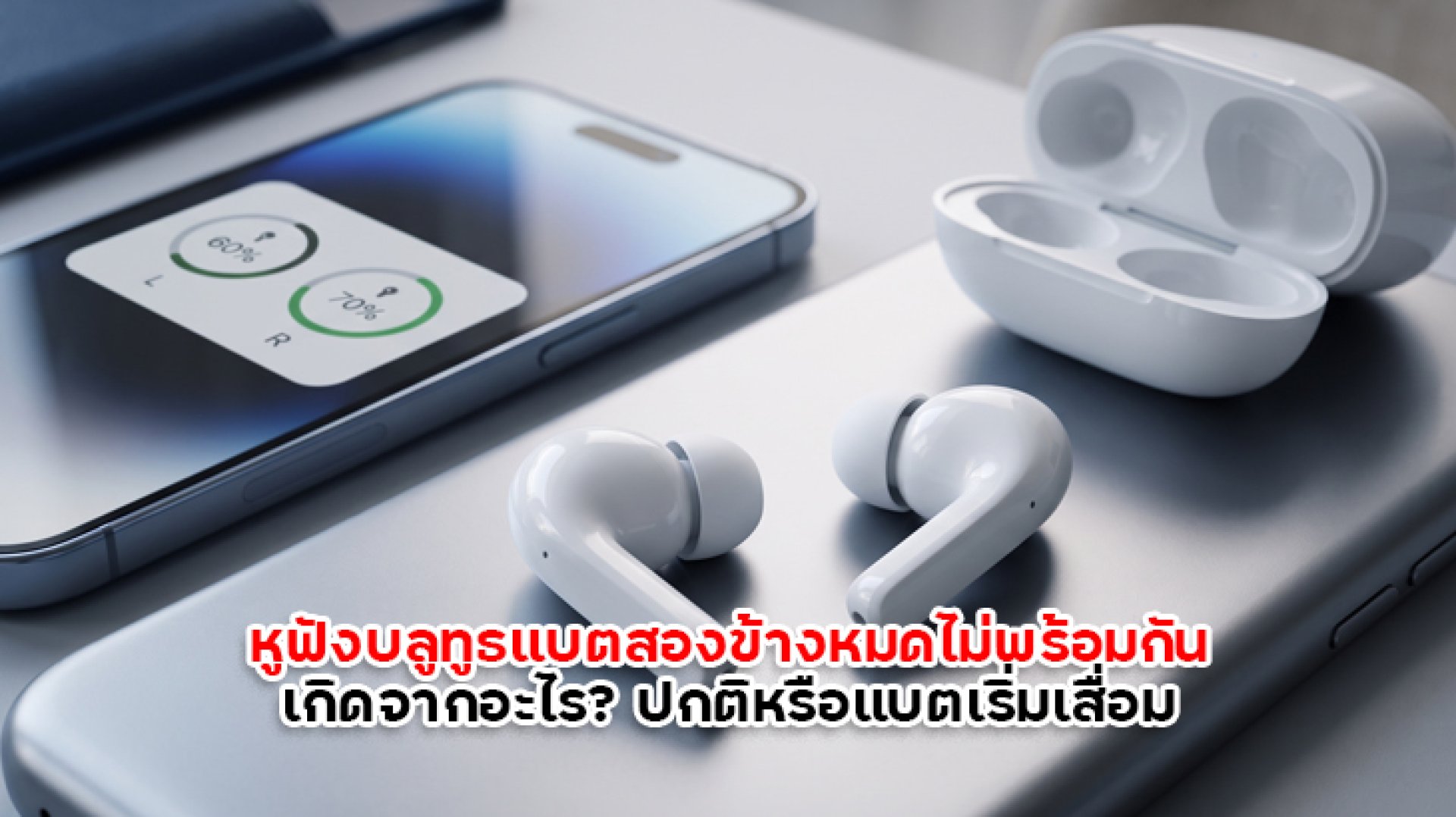
If your Bluetooth earbuds are draining unevenly, with one earbud running out of battery before the other, it does not necessarily mean the battery is failing. This is a common behavior in some True Wireless Stereo (TWS) earbuds because one earbud may handle the primary Bluetooth connection or perform additional tasks that consume more power.
However, if one earbud consistently loses battery much faster than the other, even when both start fully charged and are used under the same conditions, the cause could be a charging problem, firmware issue, or battery degradation.
Before replacing your earbuds, check these seven common causes and learn how to determine whether the difference is normal or requires further attention.
Is It Normal for Bluetooth Earbuds to Drain at Different Rates?
Yes, it can be normal. True Wireless Stereo (TWS) earbuds have separate batteries, and both sides do not always consume power at exactly the same rate.
Some models use a primary and secondary earbud arrangement. The primary earbud may handle more Bluetooth communication or other processing tasks, which can result in higher power consumption.
For example, if the left earbud has 60% battery remaining while the right earbud has 70%, this difference alone does not prove that either battery is defective. What matters is how large the difference becomes, how quickly it develops, and whether the same pattern occurs consistently.
7 Reasons Why Bluetooth Earbuds Drain Unevenly
1. One Earbud Handles the Primary Bluetooth Connection
Some TWS earbuds assign one side as the primary earbud for connecting to your smartphone, transmitting data, or managing certain functions. As a result, that earbud may consume more power than the other.
Depending on the model, the earbuds may switch roles under certain conditions. However, the way each earbud handles connectivity varies by manufacturer and product design.
How to check: If the battery difference is relatively small and varies depending on usage, while both earbuds still provide similar listening time, the behavior may be normal for your model.
2. You Frequently Use Only One Earbud
If you regularly use only one earbud for phone calls, music, or online meetings, the frequently used side may accumulate more usage and charging cycles than the other.
Over time, this difference in usage patterns may contribute to differences in battery condition and runtime.
How to fix it: When practical, alternate between the left and right earbuds. You can also test both earbuds together to compare their battery performance under similar conditions.
3. Phone Calls and Online Meetings Consume More Power
Phone calls and online meetings may consume more power than ordinary music playback because the earbuds must handle microphone input and additional communication tasks.
If one earbud manages the microphone or primary connection, it may experience higher power consumption during calls.
How to check: Compare battery usage after a phone call with usage after listening to music for a similar period. If the difference is more noticeable after calls, the usage pattern may be contributing to the problem.
4. Active Noise Cancellation and Other Features Increase Power Consumption
Features such as Active Noise Cancellation (ANC), Transparency Mode, spatial audio, and certain audio processing functions can increase power consumption. The actual effect depends on the earbud model and its settings.
If the two earbuds perform different tasks or operate under different conditions, their battery levels may decrease at different rates.
How to check: Temporarily turn off ANC and other optional features, then use both earbuds together at a similar volume. Compare the battery levels again to see whether the difference becomes smaller.
5. One Earbud Is Not Charging Fully
Sometimes, the problem is not that one earbud drains faster. Instead, it may not have charged fully before use.
Possible causes include incorrect placement in the charging case, dirty charging contacts, insufficient case battery, or poor contact between the earbud and its charging pins.
How to fix it:
- Make sure the charging case has sufficient battery.
- Place both earbuds correctly inside the case.
- Check the charging indicators or battery percentages for both earbuds.
- Carefully clean the charging contacts according to the manufacturer's instructions.
If one earbud starts with less battery, it may run out first even when its actual power consumption is similar to the other side.
6. Firmware or Software Issues Affect Battery Reporting
If the battery percentage shown on your phone or in the companion app behaves inconsistently, the problem may involve battery reporting or the earbuds' software.
However, an inaccurate battery display should not be assumed to be the cause without further testing. The difference may reflect actual power consumption rather than a software error.
How to fix it: Check for firmware updates through the official companion app. If the problem continues, reset the earbuds and pair them with your phone again by following the manufacturer's instructions.
7. One Earbud's Battery Is Degrading
Rechargeable batteries gradually lose capacity as they age. Because each earbud has its own battery, the two sides may not retain the same amount of energy over time.
This difference may be more noticeable if one earbud is used more frequently or has experienced different charging and usage patterns.
Signs that a battery may be degrading include:
- One earbud consistently runs out of battery much earlier than the other.
- Its listening time has noticeably decreased compared with when the earbuds were new.
- The battery percentage drops unusually quickly after a full charge.
- The problem persists after checking charging contacts, updating firmware, and testing both earbuds under similar conditions.
If several of these symptoms occur together, especially with older earbuds, contact the manufacturer or an authorized service center to check the battery and charging system.
Bluetooth Earbuds Draining Unevenly: Troubleshooting Guide
| Symptom | Possible Cause | What to Check First |
|---|---|---|
| A small battery difference after listening to music | Different power consumption between earbuds | Monitor battery levels during normal use |
| A larger difference after long phone calls | Microphone and connection activity | Compare call usage with music playback |
| One earbud starts with less battery | Incomplete charging or poor contact | Inspect the charging case and contacts |
| Battery percentages behave inconsistently | Software or battery reporting issues | Update the companion app and firmware |
| One earbud consistently dies much earlier | Battery degradation or charging fault | Repeat a controlled test and contact support |
Note: There is no single battery-percentage difference that indicates a fault across all earbud models. Always consider the manufacturer's guidance and the earbuds' normal operating behavior.
How to Test Bluetooth Earbuds That Drain Unevenly
Follow these steps to determine whether the difference is caused by usage, charging, or a potential battery problem.
Step 1: Fully Charge Both Earbuds
Charge both earbuds and the case according to the manufacturer's instructions. Check whether your phone or companion app reports battery levels for both sides correctly.
Step 2: Use Both Earbuds at the Same Time
Play music at a similar volume with both earbuds in use. If necessary, temporarily disable optional features such as ANC to reduce variables that could affect battery consumption.
Step 3: Compare Battery Levels and Listening Time
Record the battery percentage before and after testing, along with the amount of time each earbud remains usable. Do not conclude that a battery is defective based on a single percentage reading.
Step 4: Inspect the Charging Contacts
If one earbud starts with less battery, check whether it sits correctly in the case and makes proper contact with the charging pins. Use only the cleaning method recommended by the manufacturer. Avoid scraping the contacts with hard objects or applying liquids unless the product instructions specifically allow it.
Step 5: Update or Reset the Earbuds
Check for firmware updates in the official companion app. If the issue persists, reset and pair the earbuds again according to the model's instructions.
If one earbud continues to drain significantly faster under comparable conditions, contact an authorized service center for further diagnosis.
Should You Replace the Battery or Buy New Earbuds?
You do not need to replace your earbuds immediately just because their battery levels differ. The cause could be incomplete charging, dirty contacts, or normal differences in power consumption.
- Try basic troubleshooting first: If the problem has only recently appeared and you have not checked charging contacts or firmware.
- Contact an authorized service center: If one earbud consistently runs out much earlier or its runtime has noticeably decreased.
- Consider replacing the earbuds: If the product is old, repair costs are high, or compatible replacement parts are unavailable.
Many TWS earbuds contain small internal batteries that are not designed for user replacement. Avoid opening the earbuds or attempting battery replacement without the appropriate expertise and equipment.
Check the warranty terms, repair options, and availability of replacement parts before deciding whether to repair or replace your earbuds.
How to Extend the Battery Life of Bluetooth Earbuds
- Store the earbuds correctly in the charging case to maintain proper charging contact.
- Avoid leaving the earbuds or case in excessively hot environments or direct sunlight.
- Clean the charging contacts according to the manufacturer's instructions.
- Install firmware updates when compatible updates become available.
- If you regularly use only one earbud, alternate sides when practical.
- Keep the earbuds within their specified moisture and temperature limits.
Regular care can help maintain reliable charging and reduce avoidable battery-related problems. However, it cannot restore capacity already lost through normal battery aging.
Frequently Asked Questions (FAQ)
How much battery difference between earbuds is considered abnormal?
There is no universal percentage threshold for all TWS earbuds. The difference depends on the design, active features, usage pattern, and battery reporting method. Follow the manufacturer's guidance and compare both earbuds under similar conditions.
Why does my left earbud die before my right earbud?
The left earbud may handle the primary connection, be used more frequently, perform more microphone-related tasks, or fail to charge fully. If the difference is consistently large, inspect the charging contacts and consider having the battery checked.
Why do both Bluetooth earbuds drain quickly?
Possible causes include ANC usage, extended calls, high playback volume, connection conditions, or battery aging. Compare the actual listening time with the manufacturer's specifications and your earbuds' previous performance.
Can cleaning the charging case fix uneven battery levels?
It may help if dirty contacts or poor positioning prevent one earbud from charging properly. However, cleaning cannot reverse battery degradation.
If one earbud's battery is degraded, do I need to replace both earbuds?
It depends on the model, warranty, and service policy. Some manufacturers may offer repair or replacement options, while others may not support separate battery replacement. Contact the manufacturer before buying a new pair.